
AI Product Video Ads for Small Businesses With Wan 3.0

Key Takeaways
- You don't need a camera, lighting rig, or studio to make a product video ad — a clear phone photo is enough as the starting frame.
- Wan 3.0's i2v endpoint turns that single photo into a short video, with end_image available for a simple before/after transition.
- aspect_ratio choice maps directly to where the ad runs for free: 9:16 for Reels/TikTok, 1:1/4:3 for marketplace listings, 16:9 for a product page.
Wan 3.0 for E-commerce: Product Demos and Video Ads walks through the full t2v/i2v/ref2v schema for any online store's creative team. This piece is narrower: it's for the small business owner or solo seller with no studio, no dedicated camera, and no budget for a production shoot — just a phone and a product.
What You Actually Need (No Studio Required)
A clear, well-lit phone photo is the only real input requirement. Natural window light works fine; there's no rig or reflector involved. Two endpoints matter here: alibaba/wan-3.0-i2v turns that photo into video, and alibaba/wan-3.0-t2v generates a clip from text alone, useful for a background or concept shot before a product photo exists. Output resolution is 480p, 720p, or 1080p (no 4K), duration runs 2 to 30 seconds as an integer, and audio_enable is a boolean with no stated default — set it explicitly rather than assuming either state. Neither endpoint has a negative_prompt field, and there's no dedicated "product mode" in the schema; it's the same i2v/t2v fields used for any other subject.
From Phone Photo to Video Ad (i2v Workflow)
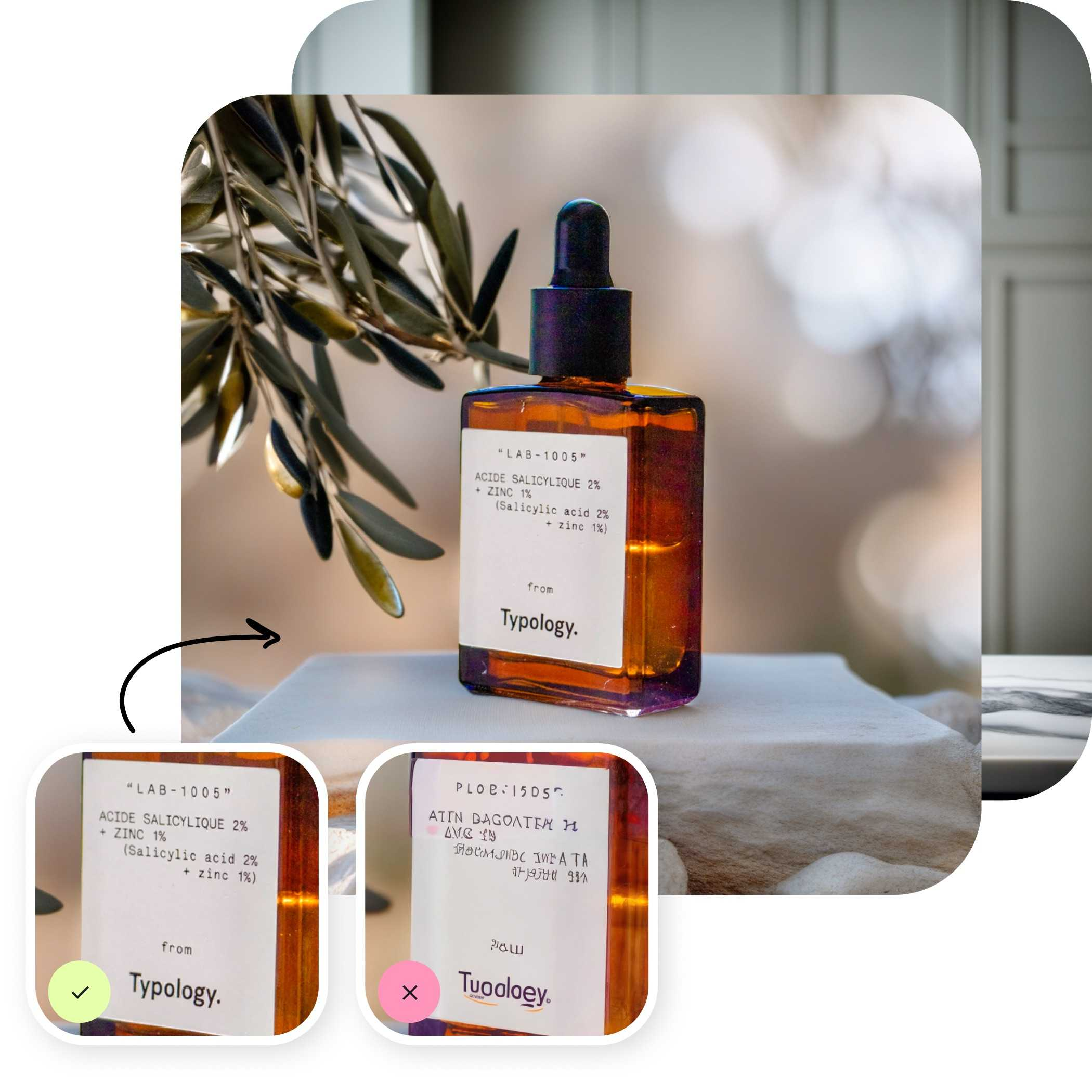
i2v takes a required image field — the phone photo — as the start frame, plus an optional end_image for a second frame. That's enough for a basic before/after or "here's the product in use" transition, built from two phone photos instead of a shoot. prompt_expansion_enable defaults to true, which matters for a seller who isn't writing prompts for a living: it fills in cinematic detail from a short description automatically. The prompt itself should describe motion — a slow rotate, a gentle zoom — not new visual details the photo doesn't already show. Wan 3.0 animates what's in the frame; it doesn't redesign the product.
Picking aspect_ratio for Free Ad Placements
Aspect ratio | Best for |
9:16 | Reels, TikTok, Stories — organic posting, no media spend |
1:1 / 4:3 | Marketplace listings, feed posts |
16:9 | Product page embed |
adaptive | Matches the source photo's framing, no ratio decision needed |
Duration is billed per second, so a short 4-6 second loop for a social post costs less than a full 30-second clip — and for a feed ad, it's usually all the attention span you get anyway.
Staying on Budget
Wan 3.0's plain endpoints currently carry a live, limited-time launch discount, but the exact rate has shifted between checks — so it isn't quoted here. Check the current per-second rate on the model's detail page in the Siray console before running anything beyond a single test clip. Start with one short, lower-resolution render to confirm the shot works, then scale up to the final resolution once the framing and motion are right.
FAQ
Can I make a product video ad from just a phone photo?
Yes. i2v takes that photo as the required image field and generates the video from it — no additional footage needed.
Do I need special lighting or equipment?
No. A clear, well-lit phone photo is the only input requirement. There's no separate "studio mode" or equipment check in the request schema.
What's the cheapest way to test this before committing budget?
Run one short clip at a lower resolution first, and check the current per-second rate on the model detail page before running a full batch at final resolution.
Create your free Siray account and start generating Wan 3.0 product videos — no camera crew required.