
Qwen Image 3 Pro Edit Spicy Makeup: Keep Facial Features

A makeup trial should explore the look without quietly changing the face underneath. For Qwen Image 3 Pro Edit Spicy, start with a consent-cleared adult portrait and ask for one cosmetic change. Compare eye shape, lip contour and expression with the source before accepting the result. This is a proposed review workflow, not evidence of guaranteed facial preservation.
Key TakeawaysChange eye makeup or lip color first, rather than redesigning the whole face at once.Treat facial shape and cosmetic placement as separate checks; a flattering edit can still alter identity.Siray's Qwen Image 3 Pro Edit Spicy schema accepts one to three reference images but provides no mask or strength field. Verbal preservation instructions need visual verification.
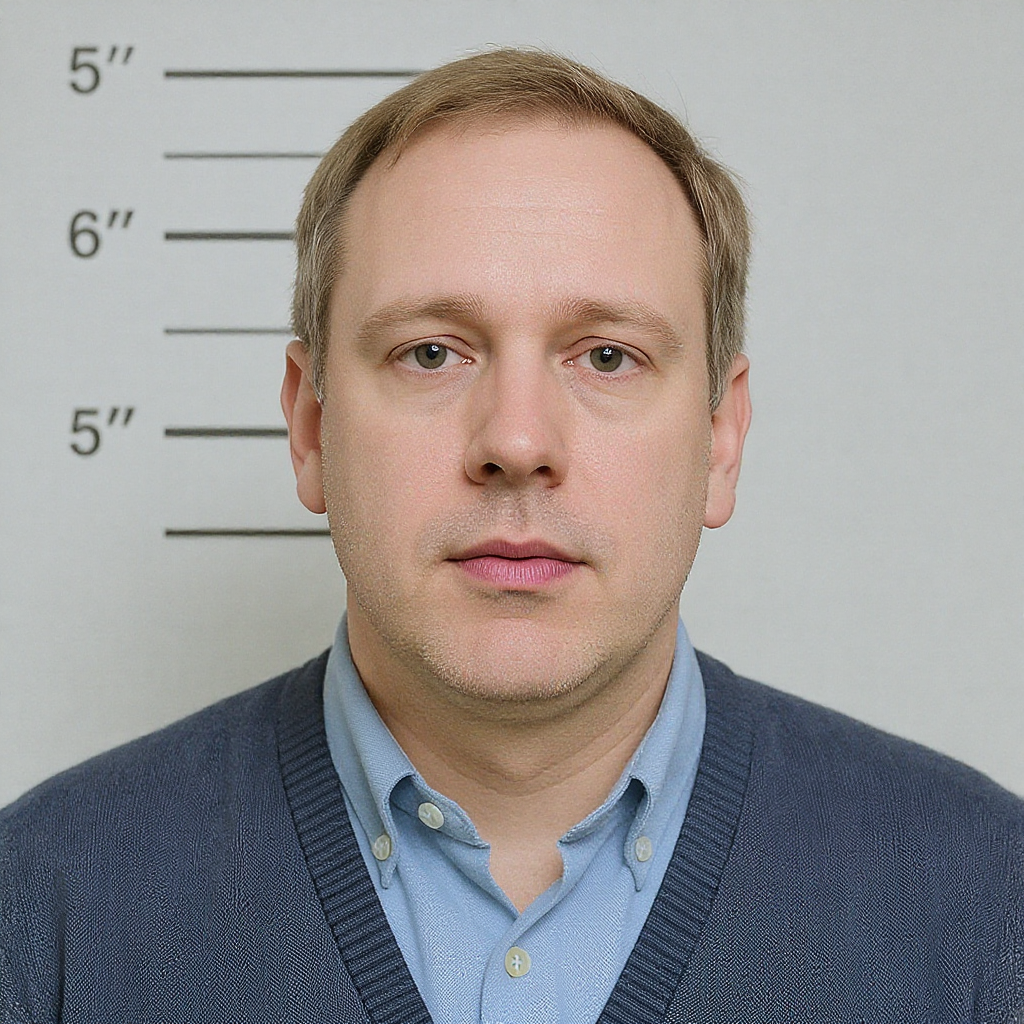
Which Portrait Should You Start With?
Choose a photograph where the intended edit area is visible and the lighting is easy to read. If hair hides an eyelid or a hand covers the mouth, the model has less visible information about the feature you want to preserve. Avoid using a heavily retouched source as evidence of natural facial detail.
Obtain agreement to the edit and the necessary image rights. For this exercise, keep the image non-explicit and use an adult subject. Choose a portrait with a clearly visible cosmetic area.
How Do You Separate Makeup From Reshaping?
Describe color, placement and finish without asking for different anatomy. “Muted berry lip color with a satin finish” is a cosmetic direction. “Fuller lips and a sharper jaw” adds reshaping. If the brief is a makeup comparison, leave those structural changes out and state the features that should remain recognizable.
For eye makeup, specify the eyelid or lash line rather than “bigger, more glamorous eyes.” For lips, inspect the boundary as well as the color. An edit can follow the requested shade while changing the mouth's width, expression or relationship to the nose.
Try a single-change instruction:
Change only the cosmetic appearance of the lips to a muted berry shade with a restrained satin finish. Preserve the adult subject's lip contour, mouth width, expression, teeth visibility, facial features, hairstyle and lighting. Keep the rest of the portrait visually consistent with the source.
“Change only” is an intended scope, not a technical guarantee that every other pixel remains untouched.
Which Qwen Controls Are Available?
As checked on October 15, 2026, the Siray Qwen Image 3 Pro Edit Spicy specification requires model, prompt, images, size and aspect_ratio. Use alibaba/qwen-image-3-pro-edit-spicy. images accepts one to three URL or data-URL strings; this initial trial can use the original portrait alone.
size accepts 1k or 2k. Choose a supported aspect ratio deliberately, such as 3:4 for a portrait, and inspect any reframing. The endpoint offers n from 1 to 6, defaulting to 1; additional outputs are candidates, not guaranteed matching revisions.
prompt_expansion_enable defaults to true. Set it explicitly to false if you want to remove the documented automatic expansion step during a controlled wording comparison. The schema exposes a seed, but no mask, strength or negative_prompt. Don't borrow masked-edit instructions from a different model.
The existing Qwen Pro Edit Spicy catalog guide covers a different task: organizing product-image sets rather than inspecting a single cosmetic change.
When Should You Reject the Result?
Compare the source and edit at the same scale. Check facial shape before evaluating the makeup finish. A subtly changed eye or mouth can make the result look appealing while making it unsuitable as a faithful trial of the proposed look.
- Eyes: shape, gaze direction and visible eyelid boundaries.
- Mouth: contour, expression and teeth visibility.
- Skin: unintended smoothing or broad color shifts.
- Context: hairline, clothing and lighting changes outside the requested area.
Does a fixed seed preserve the face? The schema does not guarantee that. Judge the output against the source, not against the presence of a seed value.
What if only the color change is acceptable? Reject the generative reshaping and use conventional retouching over the original where exact preservation is required.
Explore one restrained makeup direction through Siray, then keep only results that match both the cosmetic brief and the person's recognizable features.
A Note on Compliance
All examples involve fictional or consenting adults aged 18 or older and remain non-explicit. Siray refuses illegal content and has zero tolerance for CSAM. Obtain portrait-editing permission and required image rights. Siray provides access to third-party models; no self-hosting claim is made.
Source: Siray, Qwen Image 3 Pro Edit Spicy OpenAPI specification, retrieved October 15, 2026, linked above. No generation test was performed.