
FLUX 3 Video First Look: Native Audio, 20-Second Clips

Black Forest Labs' FLUX 3 Video is live now — not early access, not a waitlist. It generates up to 20-second clips with native multilingual audio built in, and it's available directly through BFL's own dashboard and API on a pay-as-you-go basis. Here's what it actually does today, what it costs, and what's still not ready.
Key Takeaways
- FLUX 3 Video is generally available now: text-to-video, image-to-video, video-to-video editing, video continuation, keyframe transitions, and native audio at no extra charge.
- Pricing starts at $0.06/s for Draft HD text-to-video and runs up to $0.53/s for standard FHD video-to-video editing.
- Resolution is capped at HD/FHD per BFL's own FAQ — despite "4K/UHD" language elsewhere on BFL's marketing pages, there's no confirmed 4K generation tier.
What's Live Today
FLUX 3 Video ships five video capabilities at launch: text-to-video, image-to-video, video-to-video editing, video continuation, and keyframe transitions. All of them support native optional audio — multilingual dialogue, sound effects, and ambience generated alongside the video at no extra charge. Clips run up to 20 seconds, long enough for a genuine short-form piece rather than a brief test loop.
Each mode covers a different starting point. Text-to-video and image-to-video generate a clip from a written prompt or a still image respectively — the image-to-video path is the more predictable of the two since the first frame is fixed going in. Video-to-video editing works on footage that already exists, applying a style or content change without starting from a blank prompt. Video continuation extends a clip further in time from where it left off, and keyframe transitions generate the motion between a defined start frame and end frame — useful for a jump cut or a transformation shot without hand-animating the frames in between. All five modes draw from the same pricing tiers below.
What It Costs
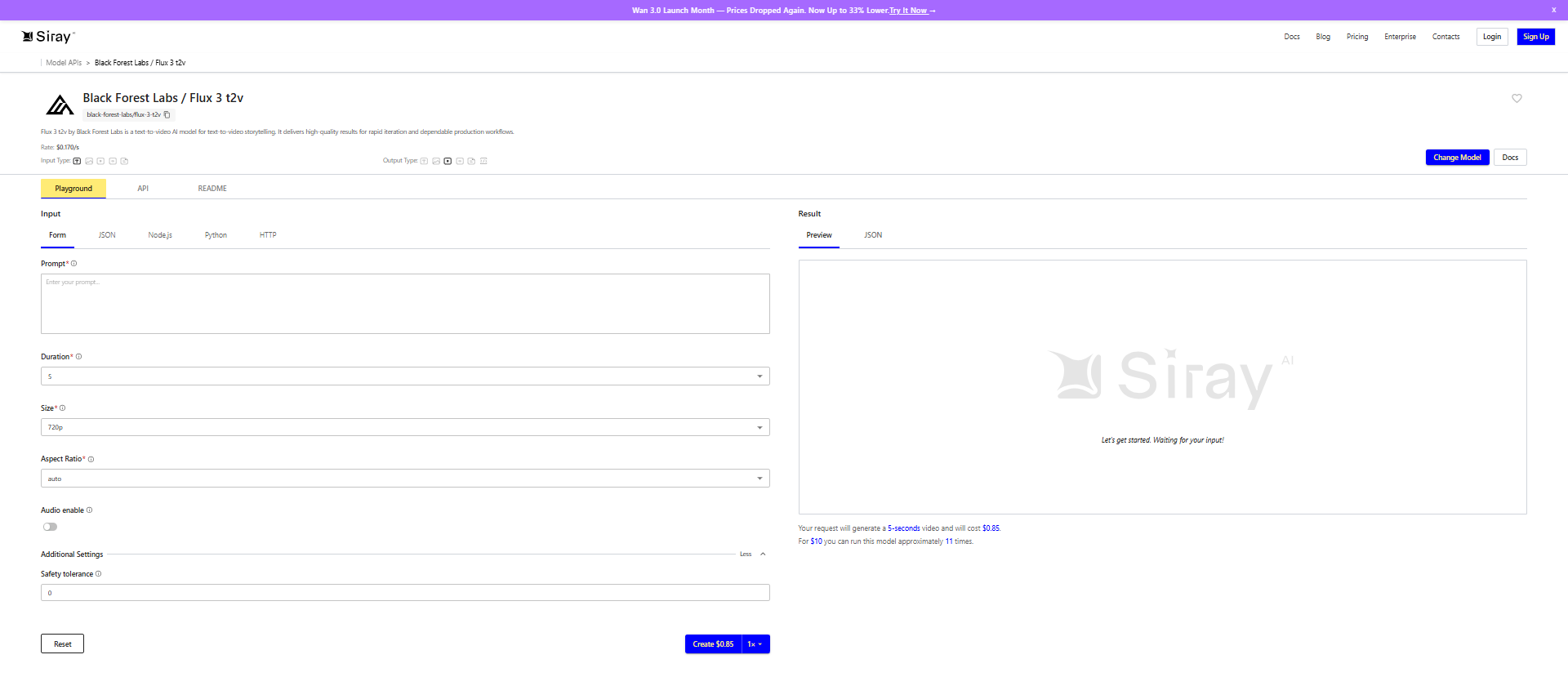
Pricing runs in three tiers depending on quality and mode. Text-to-video and image-to-video cost $0.06/s for Draft HD, $0.17/s for standard HD, and $0.29/s for standard FHD. Video-to-video editing costs more across the board: $0.12/s Draft HD, $0.41/s standard HD, $0.53/s standard FHD. BFL's own worked example puts a 5-second standard HD text-to-video generation at $0.85. Draft Enhance is priced at the standard FHD rate regardless of mode.
Scaled to a full 20-second clip — the maximum length BFL supports — the per-second rates above work out to $1.20 (Draft HD), $3.40 (standard HD), or $5.80 (standard FHD) for text-to-video and image-to-video. Video-to-video editing at full length runs $2.40, $8.20, or $10.60 across the same three tiers. Those totals aren't stated directly anywhere on BFL's pricing page — only the per-second rate and the 5-second example are — so it's worth doing the multiplication yourself before budgeting a longer generation run.
What's Not Live Yet
Three related pieces of the FLUX 3 family aren't available. FLUX 3 Image — the still-image counterpart — is marked "soon," not live. FLUX 3 Action is rolling out through select partners only, including mimic robotics; it isn't general access. FLUX 3 Dev, the open-weights release, is "coming soon" with no confirmed date. None of these should be confused with FLUX 3 Video itself, which is the one piece of this family actually shipping today.
The Native Audio Piece
Audio generation runs alongside the video itself rather than as a separate pass — no need to route output through a separate text-to-speech or sound-design tool afterward. It covers multilingual dialogue, sound effects, and ambience, and it's included in every price tier above at no extra charge; there's no separate audio line item to budget for. For a short-form piece that needs a voiceover or ambient sound to feel finished, that removes a step that would otherwise mean stitching two different tools' output together and matching timing by hand.
For a workflow that would otherwise need a video model, a separate TTS or voice tool, and a mixing pass to sync the two, this collapses that into one generation call at one price. That matters most for the kind of short-form output this model is built for — a product demo with narration, a social ad with a voiceover line, a clip that needs ambient sound to not feel silent — where the audio was previously its own line item and its own timing problem, not just its own cost.
The Resolution Reality Check
BFL's official FAQ caps resolution at HD (up to 1MP/frame) or FHD (up to 2MP/frame), with Draft mode limited to HD only. That's worth stating plainly because BFL's own marketing capability pages separately mention "4K/UHD" language elsewhere on the site — copy that isn't reflected in the pricing-linked FAQ. Until BFL's FAQ itself lists a 4K tier with a price attached, treat "4K" as positioning language, not a generation option you can actually select.
That distinction matters if you're weighing FLUX 3 Video against another model that does have a confirmed 4K output tier listed on its own pricing page. The fair comparison is FAQ-to-FAQ — what each vendor's pricing-linked documentation actually commits to — not marketing-page language on one side against a hard spec on the other. Judged against its own FAQ, FLUX 3 Video is an HD/FHD model today, full stop.
Where This Fits for Siray Users
FLUX 3 Video is Black Forest Labs' own model, accessed directly through BFL's dashboard and API — it isn't hosted on Siray, and enterprise volume discounts run through BFL's own sales channel.
Explore Siray's video models for generation access today, and watch this space for coverage if FLUX 3 Video ever lands on Siray's own lineup.