
How to Keep Character Consistency in Seedance 2.5 Fan Edits

Key Takeaways
- Seedance 2.5 has no built-in "character lock" — consistency comes from feeding it strong reference images, not from a toggle.
- The reliable pipeline is Z-Image (text-to-image) for anchor images, then Seedance 2.5's ref2v endpoint (up to 30 reference images) to carry that identity into motion.
- Z-Image itself has no native face-swap or identity feature either — it's a pure text-to-image model. Consistency is a prompting discipline applied at both stages, not a checkbox anywhere in the pipeline.
- Multiple reference angles (front, three-quarter, profile) outperform a single hero shot for keeping a face stable across cuts.
Why Fan Edits Lose the Face Between Shots
Anyone cutting together a multi-shot fan edit runs into the same wall: shot one nails the character, shot four looks like a stranger wearing the same outfit. That's not a Seedance 2.5 bug — no current video model ships a real "same face every time" switch. The fix that actually holds up across dozens of generations is treating consistency as a two-stage prompting problem: lock the identity in a still image first, then hand that image to the video model as a reference.
The Anchor-Image Pipeline
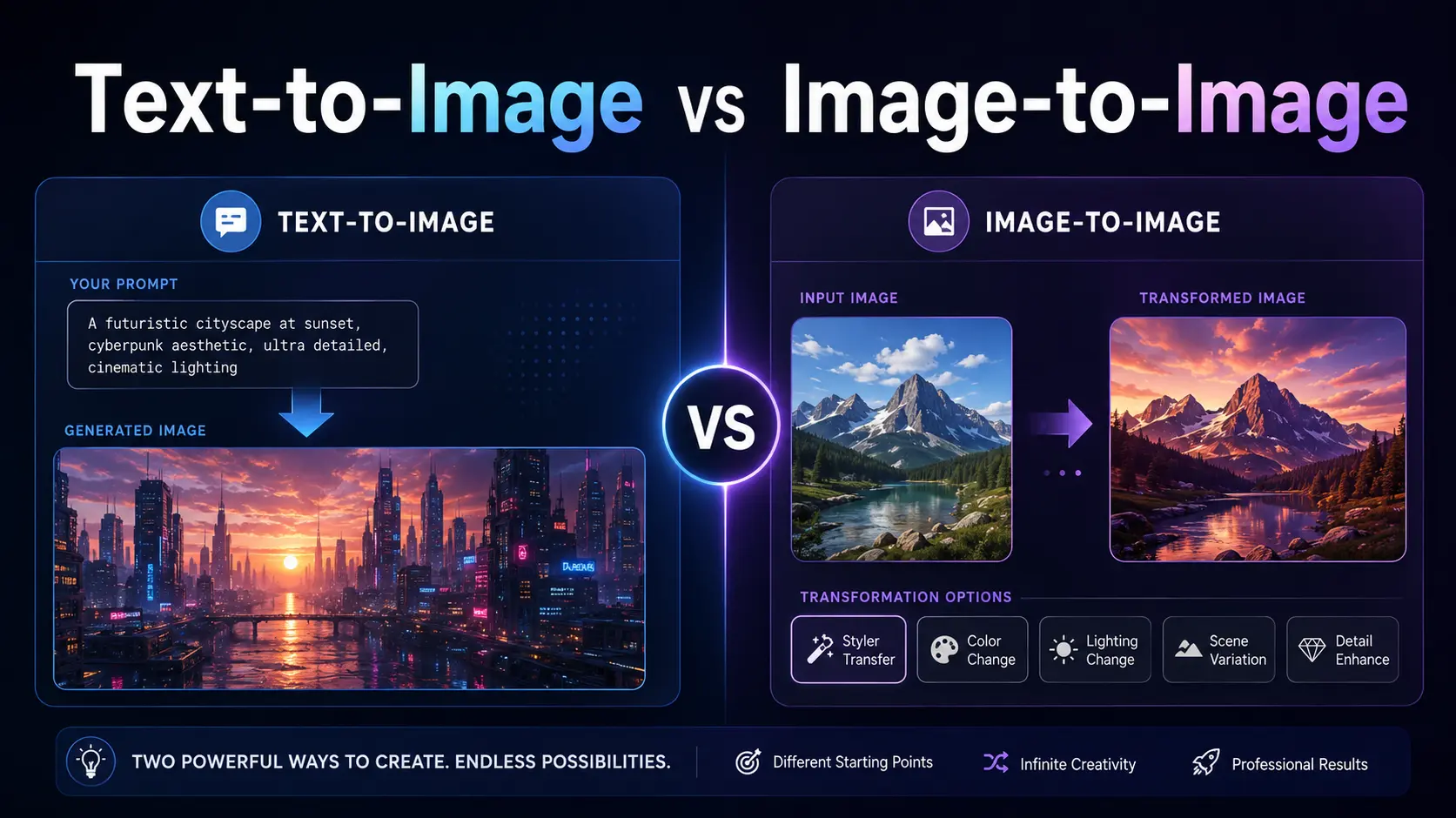
Step one — build the anchor set with Z-Image. Z-Image (alibaba/z-image-turbo-t2i, $0.004/image on Siray) is text-to-image only, so the anchor images have to come from careful, repeated prompting rather than a single "generate character" click. Write one detailed character description — face shape, hair, distinguishing features, outfit — and reuse that exact description across 3-4 generations, varying only the camera angle: front-facing, three-quarter, profile. Keep lighting and background neutral so Seedance 2.5 isn't fighting a busy reference.
Step two — feed the set into Seedance 2.5's ref2v endpoint. bytedance/seedance-2.5-ref2v accepts up to 30 reference images and up to 10 reference videos, then generates new motion that respects those references. Uploading multiple angles of the same character — not just one portrait — gives the model more to match against, which noticeably reduces drift across a multi-shot sequence. Output tops out at 720p (480p is the cheaper tier: $0.134/s vs $0.290/s at 720p); there's no 4K option on this endpoint.
Step three — reuse the same anchor set across every shot in the edit. This is the part creators skip and then wonder why shot six doesn't match shot one — each new shot should reference the same anchor images, not a fresh batch generated on the fly.
Common Mistakes
- One reference image, ten shots.
- A single portrait gives the model one angle to generalize from; three to four angles cuts drift substantially.
- Assuming Z-Image has a consistency toggle.
- It doesn't — it's t2i only. Consistency lives entirely in prompt discipline and reference-image reuse.
- Regenerating the anchor set mid-project.
- Even a small prompt tweak produces a visibly different face; freeze the anchor set once it looks right.
Use Cases
This pipeline applies wherever a fan edit needs the same face across multiple cuts: costume-drama remixes, character-focused trailers, or scene-by-scene recuts of an existing IP. It pairs well with camera-movement prompting for the video stage itself — see the companion guide on cinematic camera prompts for Seedance 2.5 fan edits — and with the broader costume-drama fan-edit guide for structuring a full multi-shot piece. As always, keep fan edits to public-domain or adult, licensable material — not derivative or underage characters.
Developer Notes
Both models sit behind one Siray API key, so the anchor-generation call and the ref2v call are two requests against the same normalized response format — no separate SDKs or auth flows to juggle between the image and video steps.
FAQ
Does Z-Image have a face-swap feature?
No — it's text-to-image only, with no identity-lock or face-swap capability built in.
How many reference images should I use per character?
3-4 angles is a solid starting point; Seedance 2.5's ref2v endpoint supports up to 30.
Which is cheaper, 480p or 720p ref2v output?
480p runs $0.134/s versus $0.290/s at 720p on Siray.
Summary
There's no consistency switch to flip — just a disciplined two-step pipeline: lock the face in Z-Image stills, then let Seedance 2.5's ref2v endpoint carry it into motion. Create your free Siray account and start building your reference sets today.