
Qwen Image 3 Pro Spicy: Adult Romance Comics With a Twist

Four attractive portraits are not a romance comic. Each panel needs to change what the reader knows: establish an expectation, complicate it, invite a mistaken conclusion, then reveal something that makes the earlier images read differently. With Qwen Image 3 Pro Spicy, plan that reversal before generating artwork. The example here uses two fictional adults on a date, with non-explicit romantic tension.
Key TakeawaysWrite the final reveal before choosing camera angles.Give each panel one piece of new information.Generate panels separately; n is not a story-sequencing control.Add dialogue and panel borders after selecting the artwork.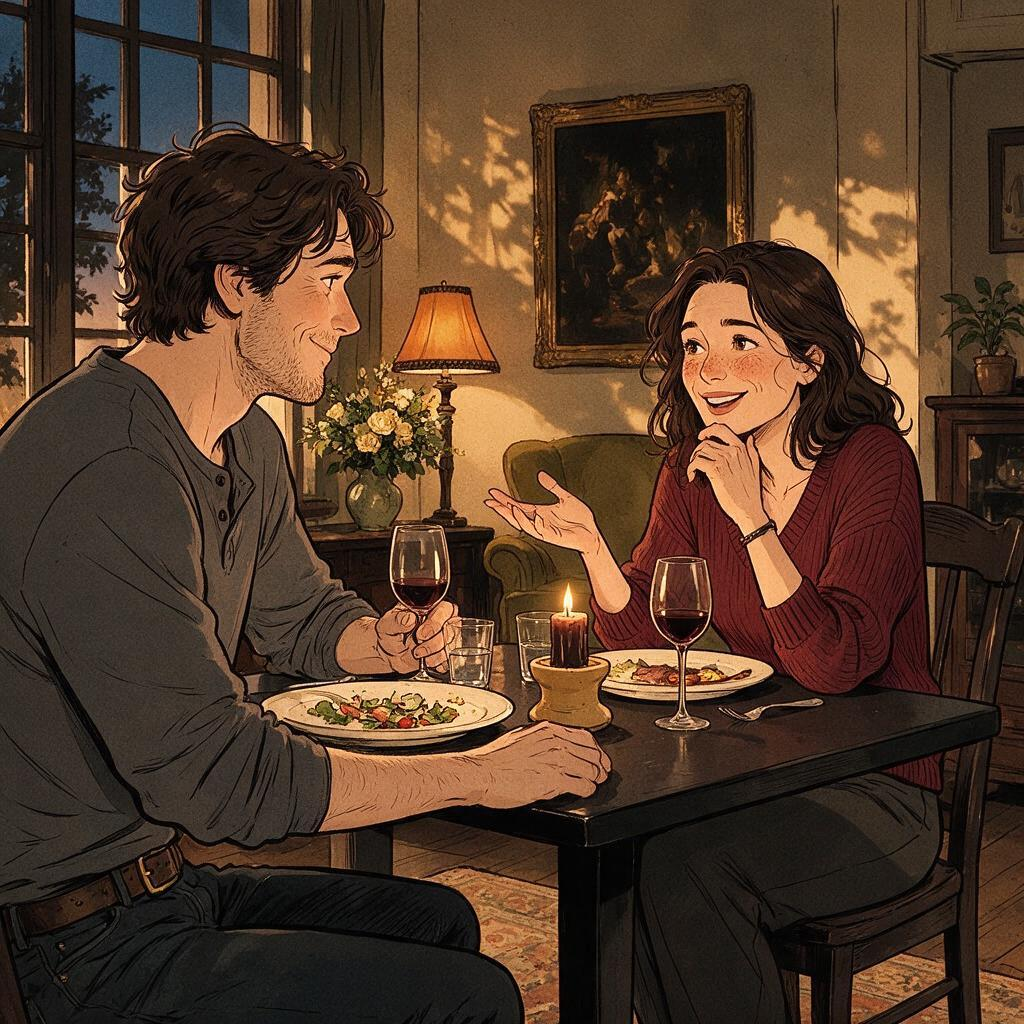
Start With the Last Panel
Consider a dinner-date misunderstanding. One adult hides a small velvet box. Their partner notices it, then produces a similar box. The final panel reveals matching concert tickets rather than rings: both secretly planned the same next date.
The surprise comes from matching intentions, not from adding an unrelated joke. Work backwards from that reveal. The reader must notice the first box, see the second person's reaction, and recognise the second box before discovering their contents. Showing the tickets too early removes the misunderstanding; hiding both boxes makes the ending unearned.
Assign One Job to Each Panel
Panel | Visible action | Information withheld |
|---|---|---|
Setup | One adult conceals a closed box beside their chair | What is inside |
Suspicion | Their partner notices the box and raises an eyebrow | What the partner thinks |
Escalation | The partner brings out another closed box | Whether the boxes contain rings |
Reversal | Both open the boxes and laugh at matching tickets | Nothing needed for this short story |
Keep the table, clothing and seating positions stable enough to support the joke. A wide room reveal in the middle could distract from the boxes. Use the second panel for a readable reaction and the last for the shared discovery. These are editorial choices, not a claim that the model understands comic timing automatically.
Generate Artwork, Not a Finished Page
The Siray Qwen Image 3 Pro Spicy edit specification, checked October 9, 2026, accepts one to three input images. It requires model, prompt, images, size and aspect_ratio; n accepts one to six outputs. Four candidates from one request are not four ordered panels with separately assigned actions.
Prepare an authorised reference sheet showing the two fictional adults, then request each panel separately. The existing Qwen manga-panel guide covers reference reuse. Here the deciding question is whether each selected image communicates its assigned beat. A consistent face cannot compensate for a box that opens one panel too soon.
Letter the Comic After Selection
Reserve clear space above the action, but place speech bubbles, lettering and borders in a layout tool. Ticket details can be added there too; the generator does not need to render tiny event text to establish the reveal. Give the boxes and tickets enough visual space to read on a phone.
Before publication, show the unlettered sequence to a reader. Ask what they think is happening after each panel. If the misunderstanding requires a paragraph of explanation, simplify the staging rather than adding more dialogue. No panels have been generated for this guide; the following is a production brief, not a successful-output claim.
Create your free Siray account and test the reveal panel before committing to the whole comic.
A Note on Compliance
Adult-oriented content must be legal and consensual, involving adults aged 18 or older. This example uses fictional adults aged thirty and no explicit sexual content. Siray refuses CSAM and all other illegal content with zero tolerance. Qwen Image 3 Pro Spicy is a third-party model accessed through Siray's API, not self-hosted by Siray.