
Seedance 2.5 for Brand Explainer Video: Style Workflow

Key Takeaways
- Seedance 2.5's t2v and i2v endpoints can carry one brand look across a multi-scene explainer — up to 30 seconds per call, in 480p/720p/1080p, across 7 aspect_ratio options — but only if the same style-anchor language, or the same reference frame, gets repeated in every scene's request. Each call has no memory of the last one.
A brand explainer rarely fails because one shot looks bad. It fails because scene three doesn't look like scene one — the color grade shifts, the pacing changes, the product looks like it belongs to a different company.
This isn't the same ground as Wan 3.0's non-photoreal, illustrated-style explainer workflow, which builds a fully animated, flat-vector look from a text prompt alone. This piece covers Seedance 2.5: keeping an actual brand's colors, tone, and pacing locked across every scene, whether the explainer starts from a prompt or from real product photography.
t2v or i2v: Starting From a Prompt or From a Real Asset
t2v (bytedance/seedance-2.5-t2v) takes only model, prompt, duration, size, and aspect_ratio — no image input at all. Right choice for a motion-graphic or animated brand explainer built entirely from a style-anchor prompt, no photo needed.
i2v (bytedance/seedance-2.5-i2v) adds a required image, plus an optional end_image for first-and-last-frame control. Right choice when the brand already has real product photography, packaging shots, or key art that must appear on-screen from the first frame — the visual anchor comes from the asset, not just the words.
Both share the same size options (480p, 720p, 1080p — no 4K tier), the same 7-value aspect_ratio list, the same 4-30 second duration range, and an audio_enable boolean with no documented default — set it explicitly.
Locking One Brand Style Across Every Scene
Every API call to Seedance 2.5 is independent — no shared state between scene one and scene two — so the prompt text, or the reference image, is the only thing carrying brand consistency forward.
The fix: write one reusable "brand style block" — palette, lighting mood, camera language, pacing — and repeat it word-for-word in every scene's prompt, changing only the action or subject line underneath it. A prompt might always open with "clean studio lighting, brand palette of deep teal and warm white, slow deliberate camera moves" before describing what's happening in that specific scene.
For i2v, do the same with the reference frame: anchor every scene to the same product photo or key-art image via image, and use end_image to hand off into the next beat. That keeps packaging colors and shape from drifting.
Aspect Ratio, Duration, and Budgeting the Scene Count
Seedance 2.5 supports 7 aspect_ratio values: 16:9 for a landing-page or YouTube explainer, 9:16 for a paid-social cut of the same script, 1:1 for an in-feed placement, 21:9 for a wide hero cut, plus 4:3, 3:4, and adaptive as a fallback. One script, several ratio exports, same style block every time.duration runs 4-30 integer seconds per call. A four-beat explainer — problem, product, feature, call-to-action — at roughly 12-15 seconds per beat covers a full script in four calls, without stitching together a pile of very short clips.
Pricing scales with resolution rather than staying flat per second. 480p is confirmed live today at $0.134 per second on Siray's model list; 720p and 1080p run higher — the most recent console-verified 720p figure is $0.290 per second, dated to an earlier check, so treat it as a reference point rather than today's number. Check the console model-detail Pricing block for the current exact rate before budgeting a higher-resolution run.
FAQ
Can Seedance 2.5 keep one brand look consistent across scenes?
Yes, with a deliberate style anchor: repeat the same style-block language across every t2v prompt, or anchor every i2v call to the same reference image. There's no shared state between calls otherwise.
Should a brand explainer use t2v or i2v?
t2v for a fully motion-graphic explainer built from a style prompt alone, no photo required. i2v when real product photography or brand key art must appear on-screen from the first frame.
What aspect ratio fits a brand explainer?
16:9 for a landing page or YouTube, 9:16 for a social cut, 1:1 for feed placements — plus 21:9 and adaptive, on both endpoints.
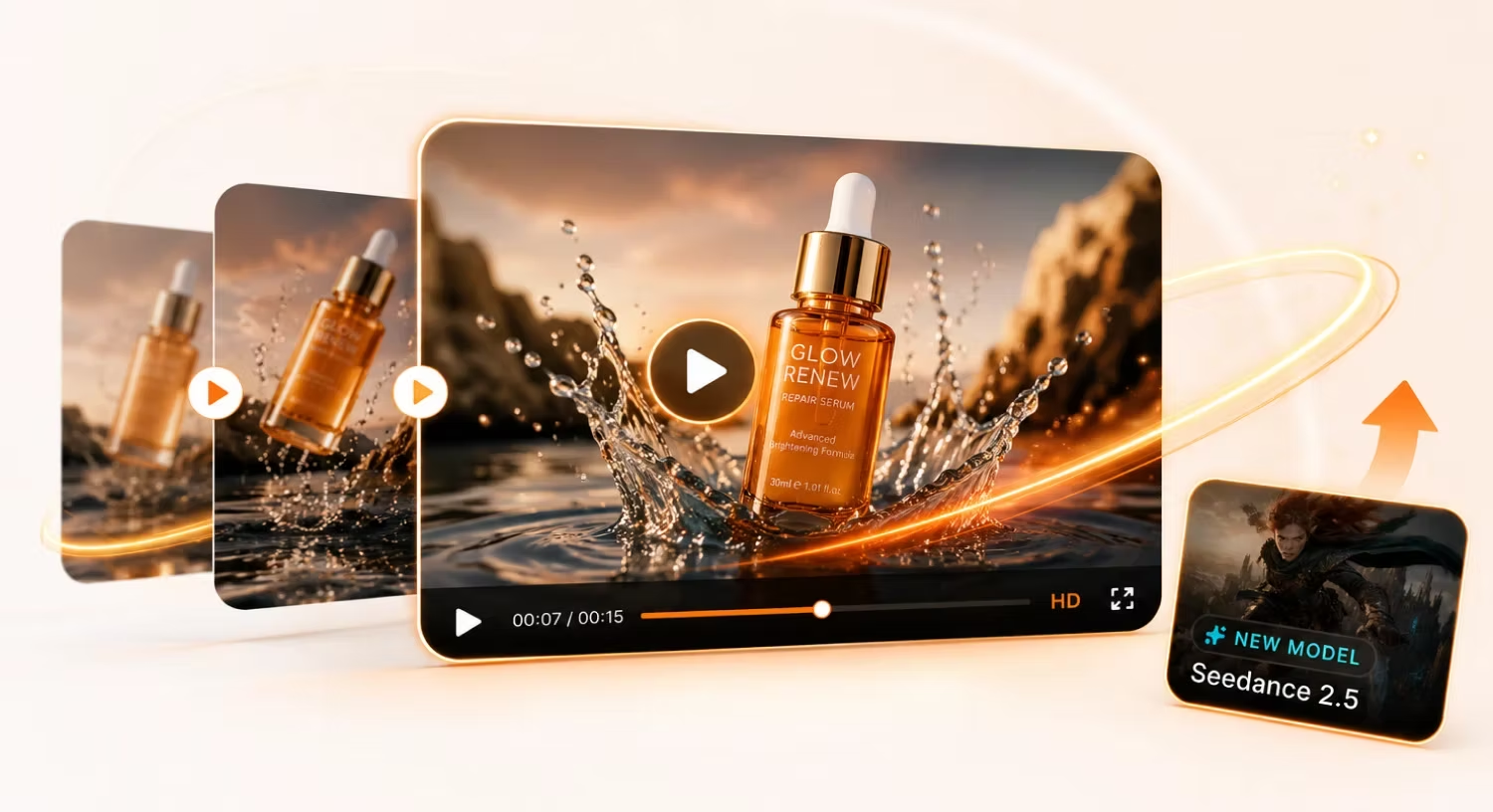
A style-consistent brand explainer comes down to one habit: write the style anchor once, then repeat it — word-for-word in the prompt, or frame-for-frame in the reference image — across every scene.
Create your free Siray account and start building Seedance 2.5 brand explainer videos with a locked style across every scene.