Unleashing Creative Freedom: Exploring Uncensored AI Image Generation with Seedance Pro and Seedream

Introduction
AI image tools keep getting better, but a lot of creators still run into the same frustration: built-in filters that tone down or outright block certain ideas. If you're after real creative control—whether for artistic experiments, marketing visuals, or anything bolder—models with minimal restrictions make a huge difference.
Seedance Pro and Seedream, both from ByteDance, stand out in this space. They're powerful, capable of high-quality outputs, and far more open when it comes to what you can prompt. On Siray.AI, we've integrated both so you can jump in easily, switch between them, and get results without jumping through hoops.
In this post, we'll break down what each model does well, how they compare, and where they fit into everyday creative work. If you're looking for tools that let your imagination run freer, these are worth checking out.

Diving In: A Closer Look at Each Model
Seedance Pro – Built for Professional Workflows
Seedance Pro (with versions like 1.0 and 1.5) started strong in video generation but has really solid image capabilities too—especially if you ever want to extend stills into motion later. It's aimed at people who need reliable, consistent results: batch processing, precise editing like inpainting or outpainting, and good prompt adherence.
We ran it through marketing-style tests, like "dramatic fashion portrait in neon-lit rain, cinematic lighting." The outputs held up well—accurate proportions, rich colors, and that polished look without much tweaking. One big plus is how it handles edgier or unrestricted themes; it doesn't throw up the same roadblocks as heavily moderated tools. The editing features let you refine just parts of an image cleanly, which saves a ton of time on campaigns or series work.
On Siray.AI, it feels smooth and intuitive. You can chain it with other steps or go straight to video if needed. It's a bit heavier on resources if you're pushing video features, but for straight image generation, it's very capable and fast enough for pro use.
Pros: Strong editing tools, great consistency across batches, handles bold prompts reliably.
Cons: Learning curve for the full toolkit, needs decent hardware for heavier tasks.
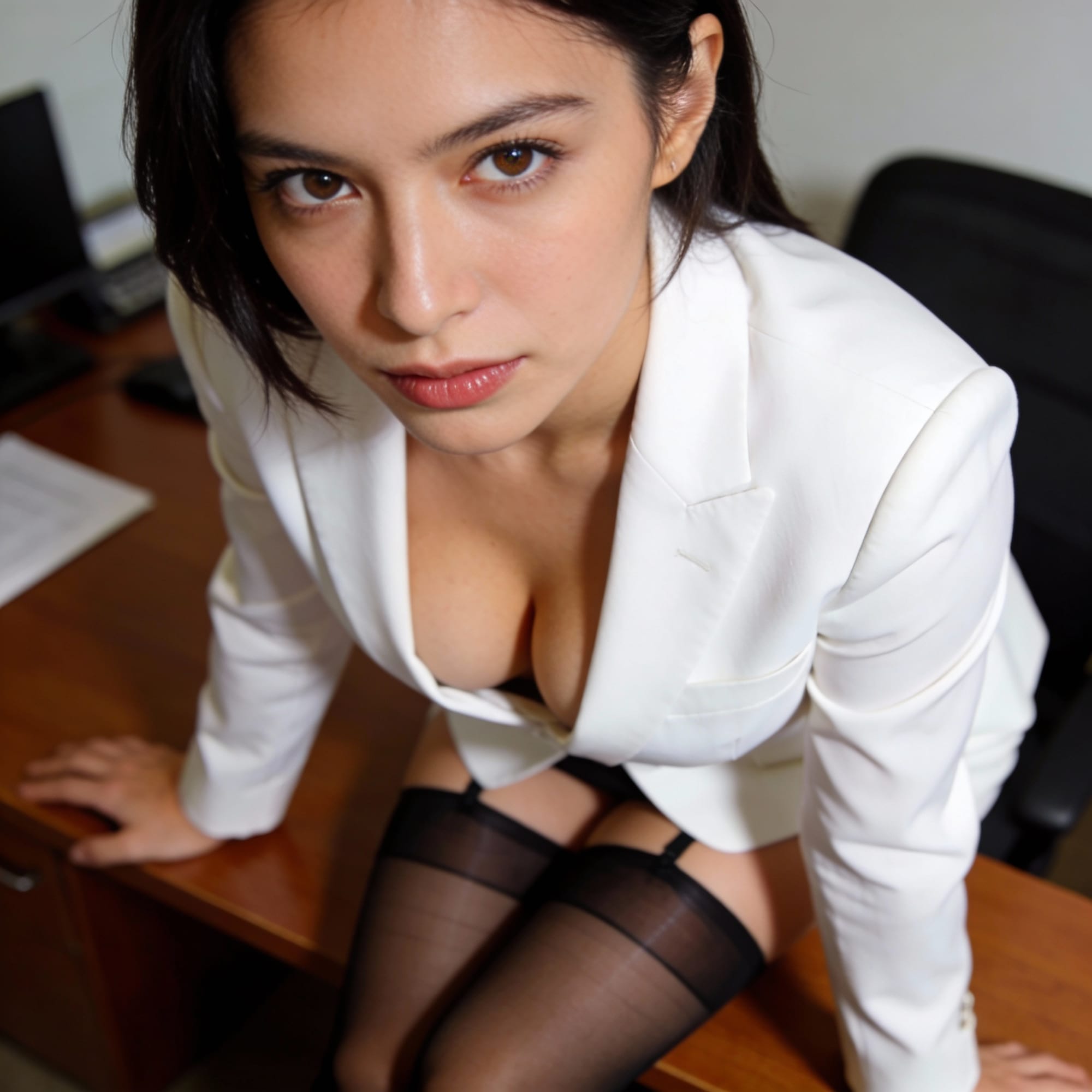
Generated by Seedance pro 1.5 on siray.ai
Seedream – Where Quality and Intelligence Meet
Seedream (4.0 and the updated 4.5) is ByteDance's flagship for pure image work. With 12 billion parameters and native 4K support, it's designed for detail, accuracy, and deeper prompt understanding. It combines generation and editing in one model, so you can generate from scratch, refine references, or handle complex tasks like infographics and text-heavy designs.
In tests, we threw prompts like "clean product mockup with realistic materials and sharp typography" or more creative, unrestricted concepts. The results were impressive: crisp details, accurate text rendering, and strong consistency when using multiple references or batches. Seedream 4.5 stepped up typography even more and improved how it identifies and preserves elements across edits—great for branding or storytelling.
It's one of the least restricted models out there; community notes and our runs confirm it handles a wide range without aggressive filtering. On Siray.AI, it's our pick when the final output needs to look professional and polished.
Pros: Exceptional resolution and fidelity, smart prompt handling, excellent for text and multi-image consistency.
Cons: Can take longer on lower-end setups, feels more "premium" in resource use.
How They Compare Head-to-Head
Picking between Seedance Pro and Seedream comes down to your priorities.
- Need fast, consistent batches with easy editing? Seedance Pro often feels more workflow-friendly, especially if video might come into play later.
- Chasing the absolute best detail, 4K quality, and deep reasoning (like accurate text, layouts, or reference blending)? Seedream pulls ahead noticeably.
In direct tests on Siray.AI using the same prompts:
- Seedance Pro gave quicker, more uniform results across series and had better built-in editing flow.
- Seedream delivered sharper, more refined finals with stronger material realism and typography.
Both excel at uncensored generation—far fewer automatic blocks than mainstream options—so you get more freedom either way. Seedance Pro edges out for versatility, while Seedream wins on sheer visual quality.
Real-World Ways People Are Using Them
Creators use Seedance Pro for campaign assets: consistent product shots, mockups, or short video extensions from stills. It's popular for fashion, ads, and social content where you need speed and reliability without losing edge.
Seedream shines in anything requiring precision—packaging designs, educational visuals, posters with readable text, or brand storytelling that demands high fidelity. Designers and marketers love it for final polish: generate concepts, blend references, and get outputs that look ready for print or web.
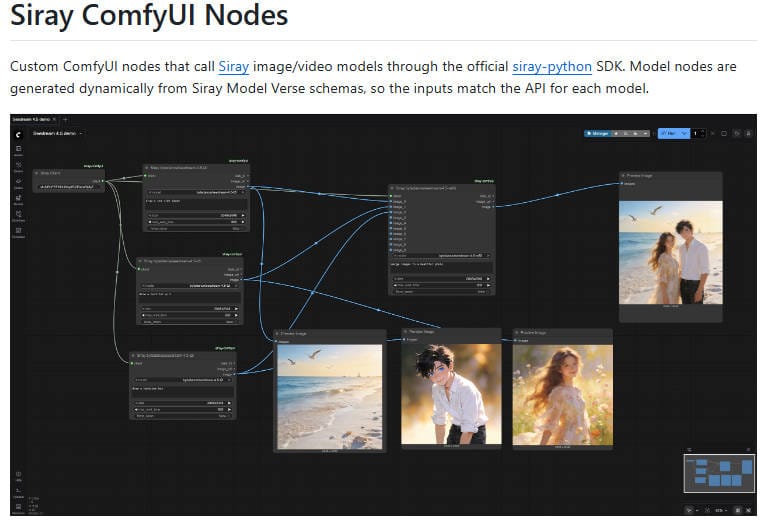
A workflow we see often on Siray.AI: Brainstorm and batch with Seedance Pro for speed and edits, then finish key pieces in Seedream for that extra layer of quality. Switching between them is seamless, so you keep momentum. There is a ComfyUI node developed by Siray to help you with the building.
Wrapping Up
Seedance Pro and Seedream bring serious power to uncensored AI image generation: one with pro-level tools and versatility, the other with top-tier quality and intelligence. Together, they let creators push further without constant roadblocks.
Siray.AI gives you easy access to both—no complicated installs, just prompt and generate. Readers can try the models free on Siray.AI and feel the difference right away.