
AI Product Video Ads: Turn Product Photos into Scroll-Stopping Video

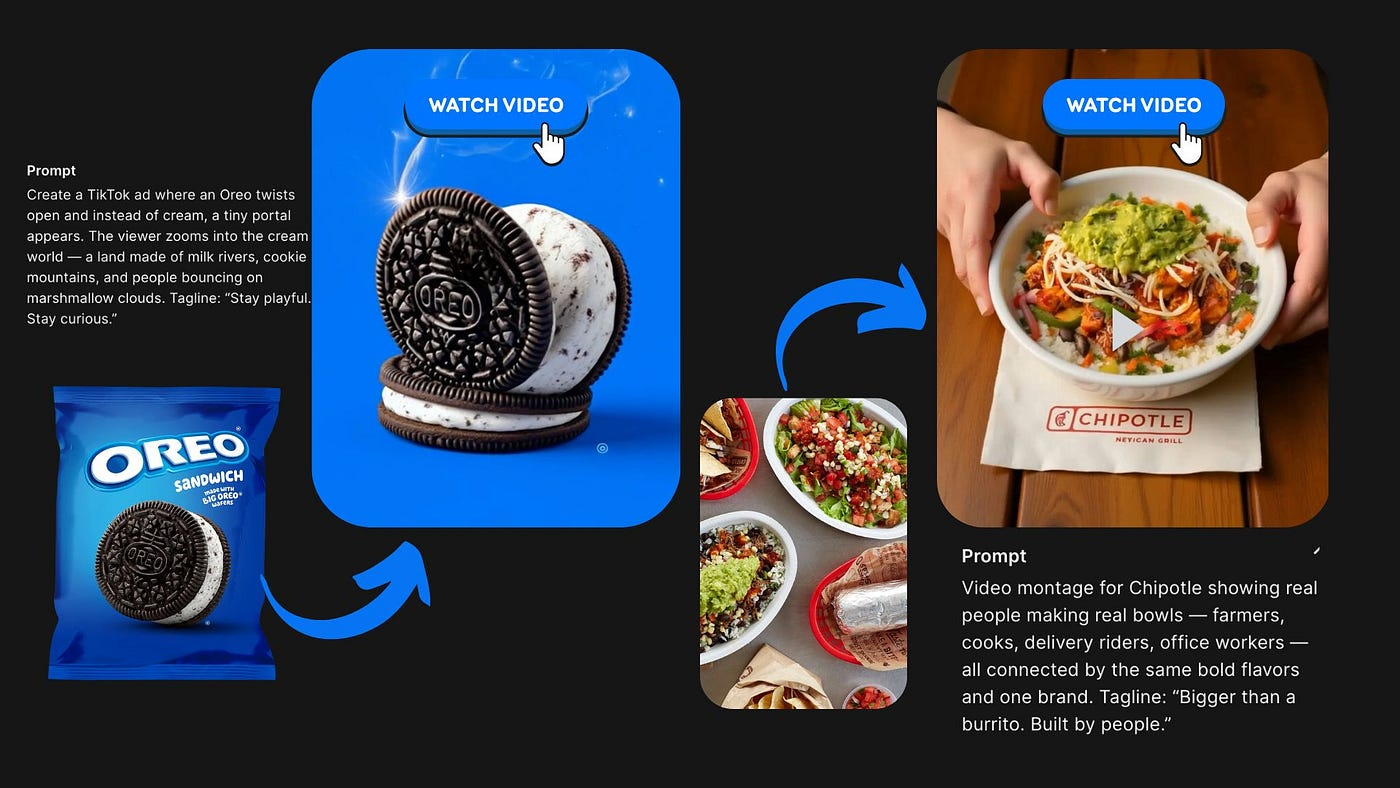
A single product photo isn't enough for a feed ad anymore — testing what actually stops a scroll means producing several video variants, not one hero clip. Image-to-video models turn a product photo into a batch of short ad candidates, but ads have two requirements a general photo-to-video workflow doesn't: a hook in the first few seconds, and a product that looks identical across every variant.
TL;DR:
- Ads need what a single hero clip doesn't: a hook in the first few seconds and identical product identity across every variant you test.
- For batch variant testing, prioritize speed and cost — LTX 2.3 or Seedance 2.0 Fast. For a flagship-quality cut, Kling 3.0's native 4K. For voiceover or sound, Veo 3.1's built-in audio.
- Structure prompts as [PRESERVE] the product's exact color, label, and shape, then [MOTION] naming one specific hook action.
Two Things Ads Need That a Single Clip Doesn't
A hook in the first few seconds. A feed scroller decides to keep watching almost instantly, so the opening motion — a fast unveil, a light sweep across the label, a quick rotation — matters more than anything that happens later in the clip.
Identical product identity across every variant. Testing five hook ideas only works if the product itself doesn't drift between them — same color, same label text, same shape in every version. A variant where the label blurs or the product's proportions shift isn't a usable test candidate; it's noise in the results.
Choosing a Model for Ad Production
Which model to reach for depends on where you are in the ad-testing cycle, not which one has the highest spec sheet:
- Batch-testing several hook ideas — LTX 2.3 (720p/1080p, 6–20 second clips) or Seedance 2.0 Fast (480p/720p) both prioritize turnaround speed and lower cost, which matters when you're generating five or ten variants to test, not one.
- A flagship cut once a winning hook is found — Kling 3.0's native 4K output gives the sharpest final version, at a higher price and stricter content review than the faster options.
- A version with voiceover or sound design — Veo 3.1 generates native audio with every clip. Seedance 2.0 Fast also supports audio, toggleable off per request if you'd rather add sound separately.
For the full parameter comparison behind these picks, see Veo vs Kling vs Seedance 2.0.
Writing an Ad-Ready i2v Prompt
The same [PRESERVE] + [MOTION] structure that works for general photo-to-video needs one addition for ads: the [PRESERVE] block should describe the product with enough specificity that it survives being regenerated four or five times.
[PRESERVE] Keep the bottle's exact label design, cap color, andglass shape identical to the reference photo in every variant.[MOTION] Fast 0.5-second light sweep across the label, then aquarter turn revealing the side panel, 3-second total clip.
Naming the hook motion precisely — and repeating the same [PRESERVE] block unchanged across every variant prompt — is what keeps a batch of test clips actually comparable to each other.
Key Takeaways
- Ads need a first-seconds hook and identical product identity across every variant — a single hero clip doesn't need either.
- Match the model to the stage: LTX 2.3 or Seedance 2.0 Fast for batch testing, Kling 3.0 for a flagship cut, Veo 3.1 for built-in audio.
- Keep the [PRESERVE] block unchanged across every variant prompt so test results stay comparable.
- Name the hook motion precisely — that's the part viewers actually decide on.
Batch-Produce Ad Variants on One API
Create your free Siray account and generate product ad variants across any of these models with a single API key. See one API for multiple AI models for how the integration works.