
Nano Banana 2.1 Photo Restoration: Repair or Redraw?

A restored photograph should not quietly become a different family record. When planning a Nano Banana 2.1 restoration test, separate three jobs: repairing visible damage, reconstructing missing detail, and adding colour. They carry different evidentiary weight. A plausible new eye or smile is still generated content, not recovered proof of what the person looked like.
Key TakeawaysKeep an untouched scan and work on a separate copy.Request damage repair before sharpening faces or adding colour.Label reconstruction and colorization instead of presenting them as recovered facts.Treat the prompts below as a proposed test, not demonstrated 2.1 performance.
Decide What Must Not Change
Before editing, write a short preservation brief: retain face shape, expression, age cues, hairstyle, clothing, pose, crop, and background objects. Mark any unreadable areas as unknown. A blurred medal or missing sleeve emblem is not an invitation to invent a recognisable replacement.
This guide does not establish Nano Banana 2.1's version-specific controls, resolution limits, or restoration accuracy. It provides an editing brief and acceptance procedure to test with that named model, not a report of completed restoration results. No API identifier or parameter list is assumed from earlier Nano Banana versions.
Make a Repair-Only First Pass
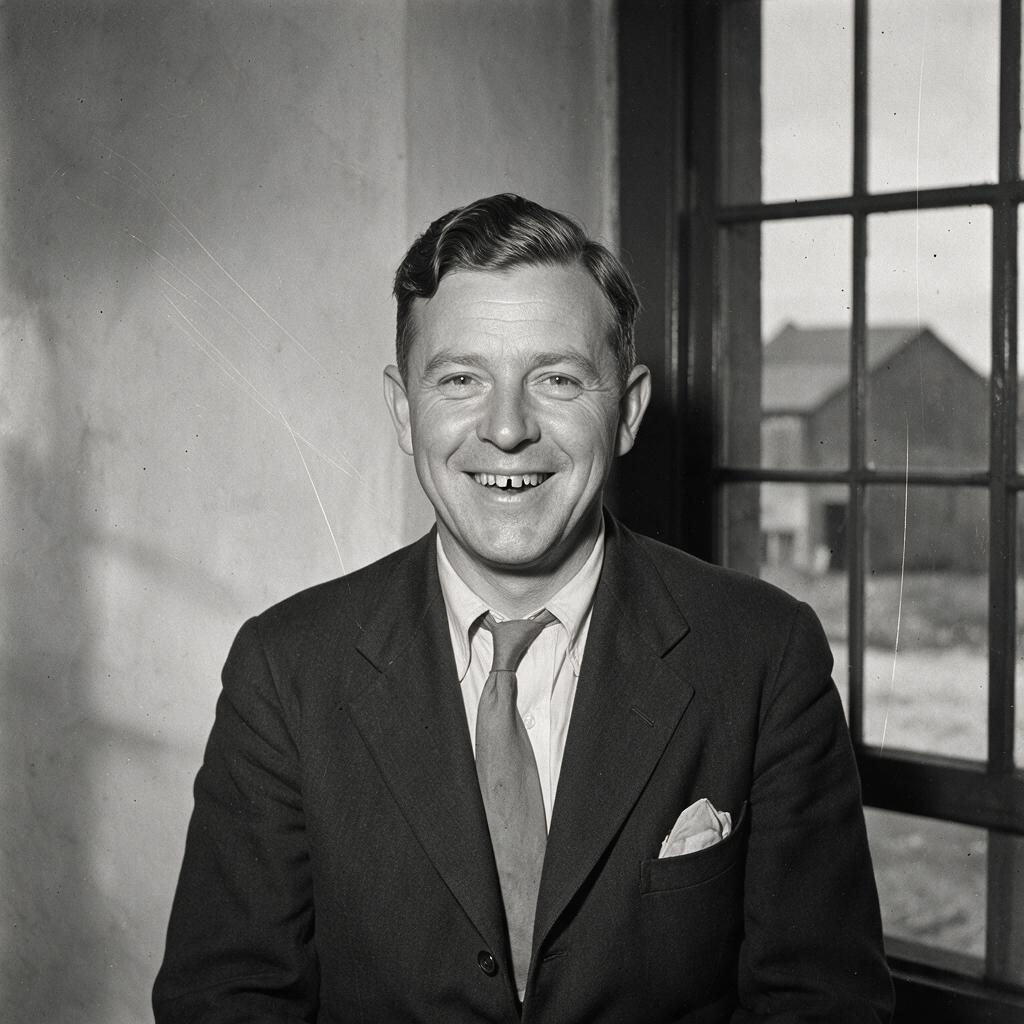
Start from the best available scan, preserving the original file separately. Request removal of scratches, dust spots, and paper creases while retaining the photograph's tone and framing. Do not combine that request with “make younger,” “modern portrait,” or “perfect skin.” Those instructions change the person rather than repair the photograph.
A useful first prompt is: “Repair visible scratches and dust on this scanned photograph. Preserve the person's identity, expression, apparent age, hairstyle, clothing, original tones, crop and background. Do not beautify, colorize or invent missing facial features.” This is an instruction to evaluate, not a guarantee that the output obeys every clause.
Inspect Damage and Identity Separately
Area | Acceptable goal | Warning sign |
|---|---|---|
Plain backdrop | Remove an isolated scratch | New objects or changed lighting |
Face | Keep surviving features recognisable | A different eyelid, smile or jaw |
Clothing | Retain visible seams and insignia | Invented buttons, lettering or decorations |
Paper damage | Reduce a distracting crease | Missing image detail silently fabricated |
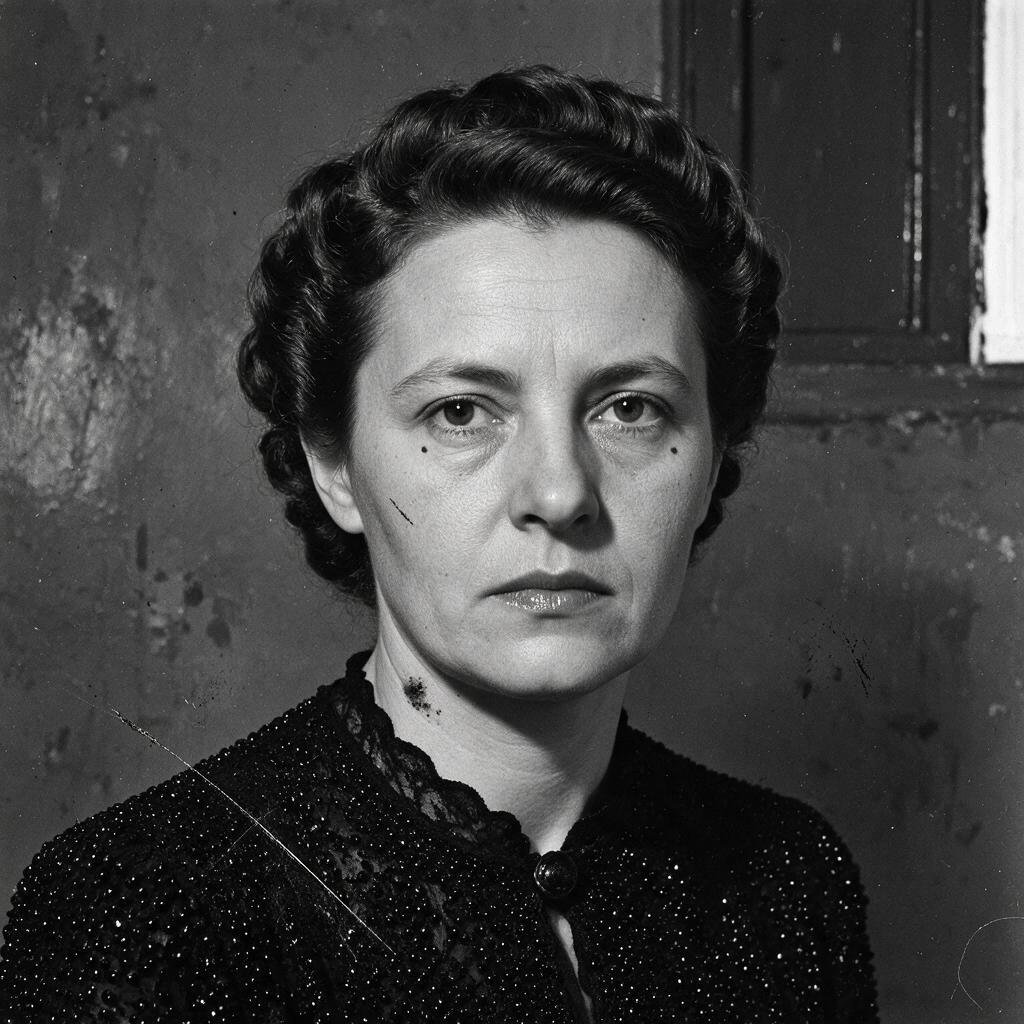
Compare the original and repair at the same display scale. Look at small facial asymmetries, not just overall sharpness. A smoother face may erase a scar, soften age lines, or change the shape of a lip. If those details cannot be checked against the scan, the result should not be described as faithful recovery.
Keep Reconstruction in a Separate Version
A tear through an eye is different from dust on the background. Where source information is absent, an editor can propose a visually plausible completion, but plausibility is not historical accuracy. Save that attempt separately and label it “AI-assisted reconstruction.”
Where another authentic photograph of the same person provides evidence, use it for human comparison. Do not assume a particular multi-reference input exists without checking the chosen editing interface. The earlier Nano Banana API-tier guide concerns a different version; its controls and prices are not a specification for 2.1.
Add Colour Only After Approving the Repair
Treat colorization as an interpretation unless independent evidence supports the colours. Make a separate derivative, retain the repaired monochrome version, and label the colour copy. A convincing blue uniform or warm skin tone should not be mistaken for information recovered from a monochrome scan.
When Should the Result Be Rejected?
Reject a repair-only candidate if it changes expression, age, clothing details, or legible writing. Keep the original, accepted repair, and any interpretive reconstruction distinguishable. A more attractive image may suit a commemorative display, but it is not automatically the best archival copy. Choose the label according to what changed, not according to how realistic the result appears.
Create your free Siray account and prepare an authorised source photograph with a written list of details the edit must preserve.