
Seedream 4.5 Spicy: Consistent Skin Tones and Lighting

Seedream 4.5 Spicy vs Z-Image: Picking a Cost Tier is about which endpoint to budget for. This piece is a different question entirely: once you're generating a batch on bytedance/seedream-4.5-t2i-spicy, how do you stop skin tone and lighting from shifting between shots in the same set. The general prompt guide covers the full range of prompt elements — this one zooms in on just these two.
Why This Endpoint Has No Reproducibility Shortcut
seedream-4.5-t2i-spicy's request body takes exactly three fields: model, prompt, and size. There is no seed. On a model with a seed field, locking a look is a parameter — reuse the same seed, get the same base render. Here, there's no such button. Every generation is a fresh roll, and the only lever left for keeping skin tone and lighting stable across several images in a row is the prompt text itself. That's not a limitation to work around quietly — it's the actual method.
Locking Skin Tone
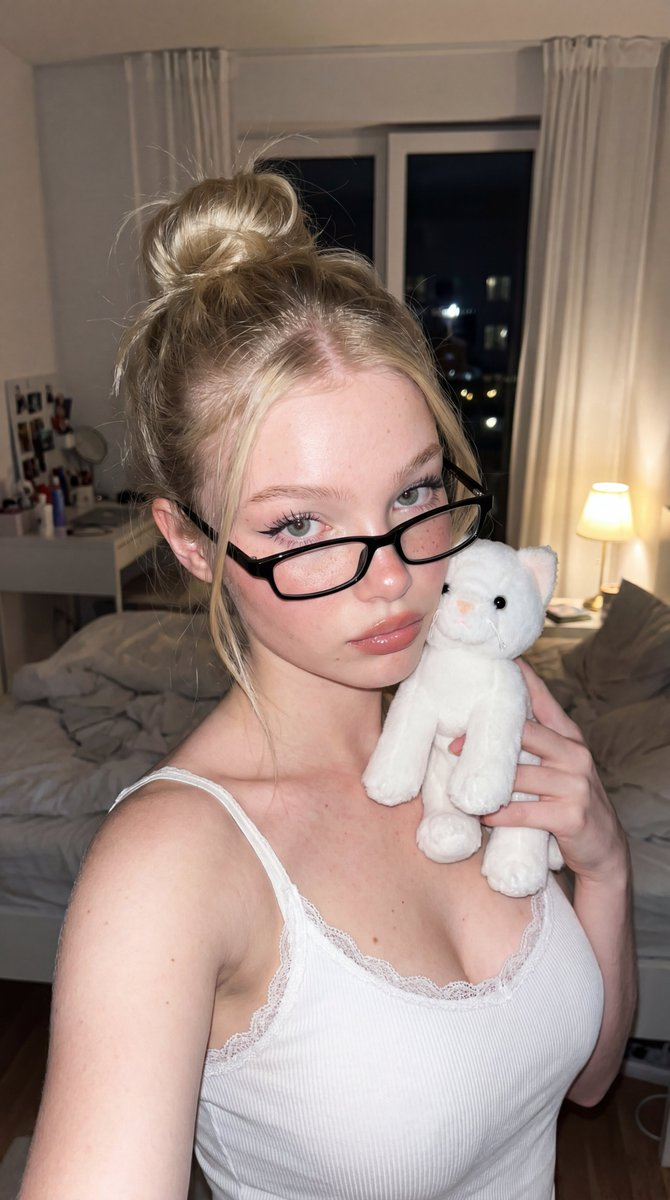
Write one exact skin-tone descriptor and reuse it, word for word, in every prompt for that batch. Vague terms like "tan" or "fair" leave room for the model to reinterpret; specific tone plus undertone plus finish gives it less room to drift.
Example block: warm olive skin, golden undertone, soft matte finish, no visible blemishes.
Paste that exact clause into every prompt in the set — intro shot, mid-set variation, closing shot — and only change the pose, wardrobe, or scene around it. The moment that block gets paraphrased between prompts, even slightly, tone starts sliding.
Locking Lighting
Same rule, different clause. Name the light source, its color temperature, and its direction as one fixed phrase, and don't reword it between generations.
Example block: single warm key light from camera-left, 3200K tungsten tone, soft diffusion, deep shadow on the right side of the frame.
That level of specificity — source, temperature, direction, shadow behavior — is what a lighting setup actually is. "Nice lighting" or "cinematic lighting" gives the model nothing concrete to hold onto across multiple calls.
A Full Batch, Three Shots
Here's both blocks stacked into three prompts for one set. The skin-tone and lighting clauses are identical in all three; only the pose and wardrobe change:
- warm olive skin, golden undertone, soft matte finish, no visible blemishes, single warm key light from camera-left, 3200K tungsten tone, soft diffusion, deep shadow on the right side of the frame, standing three-quarter pose, silk robe half-open
- Same skin-tone and lighting clauses, seated on edge of bed, robe fully open
- Same skin-tone and lighting clauses, reclined, robe removed, close three-quarter shot
Run those three prompts back to back on seedream-4.5-t2i-spicy and the set reads as one continuous shoot, not three disconnected renders — because the two variables that most visibly break continuity never changed in the text.
Developer Notes
seedream-4.5-t2i-spicy runs $0.040 per image, flat, with no discount badge on the console pricing page. The size field offers eight values, from 2048x2048 up to 3024x1296 on the long edge — pick the one your batch needs and keep it constant across the set for extra consistency. Every Siray-hosted endpoint shares the same API key, so testing this technique against Z-Image or another model for comparison is a config change, not new integration work.
Create your free Siray account and run your own consistency test batch.
FAQ
Does Seedream 4.5 Spicy support a seed for reproducible images?
No. The t2i-spicy endpoint's request body only accepts model, prompt, and size — there's no seed field, so nothing can be reproduced exactly. Prompt-text anchoring is the only available consistency method.
How do I stop skin tone from shifting between generations?
Write one specific skin-tone descriptor — tone, undertone, finish — and paste that exact clause, unchanged, into every prompt in the batch.
Can I control lighting the same way?
Yes. Fix the light source, color temperature, and direction as one phrase and reuse it unchanged across every generation in the set.
NSFW compliance: Siray enforces zero tolerance for content depicting minors in any form, including stylized or fictional depictions. All NSFW generation requires user attestation of adult status and consent, and is subject to ongoing moderation review.