
Seedream 5.0 Pro Spicy: Photo Sets Without a Seed Lock

If you are building a multi-shot NSFW set, your first move is probably to look for the seed field so every frame starts from the same roll. It is not there. No endpoint in the Seedream family exposes one, and Additional Settings holds only output_format. Coherence across a set therefore comes from a relay: you generate one good frame, then feed it back as a reference for the next. bytedance/seedream-5.0-pro-i2i-spicy accepts up to ten reference images per call, which is what makes the relay hold instead of drift.
Key Takeaways
- No seed in any Seedream endpoint. Exact reproduction is not available; coherence is.
- images takes 1–10 references per call. Pass a small panel, not just the last frame.
- $0.045 per output image, so a twelve-shot set costs about 54 cents.
What the Endpoint Takes
Field | Required | Notes |
model | yes | bytedance/seedream-5.0-pro-i2i-spicy |
prompt | yes | the only steering lever per shot |
images | yes | array, 1–10 references |
size | no | defaults to 1024x1024; family max 3136×1344 |
output_format | no | the only Additional Setting |
Two absences matter. There is no seed, so nothing is bit-reproducible. There is no negative_prompt either, so everything you want is phrased positively. The endpoint basics cover the rest. Set size deliberately — the default is square, which is rarely what a set wants.
The Relay, Shot by Shot
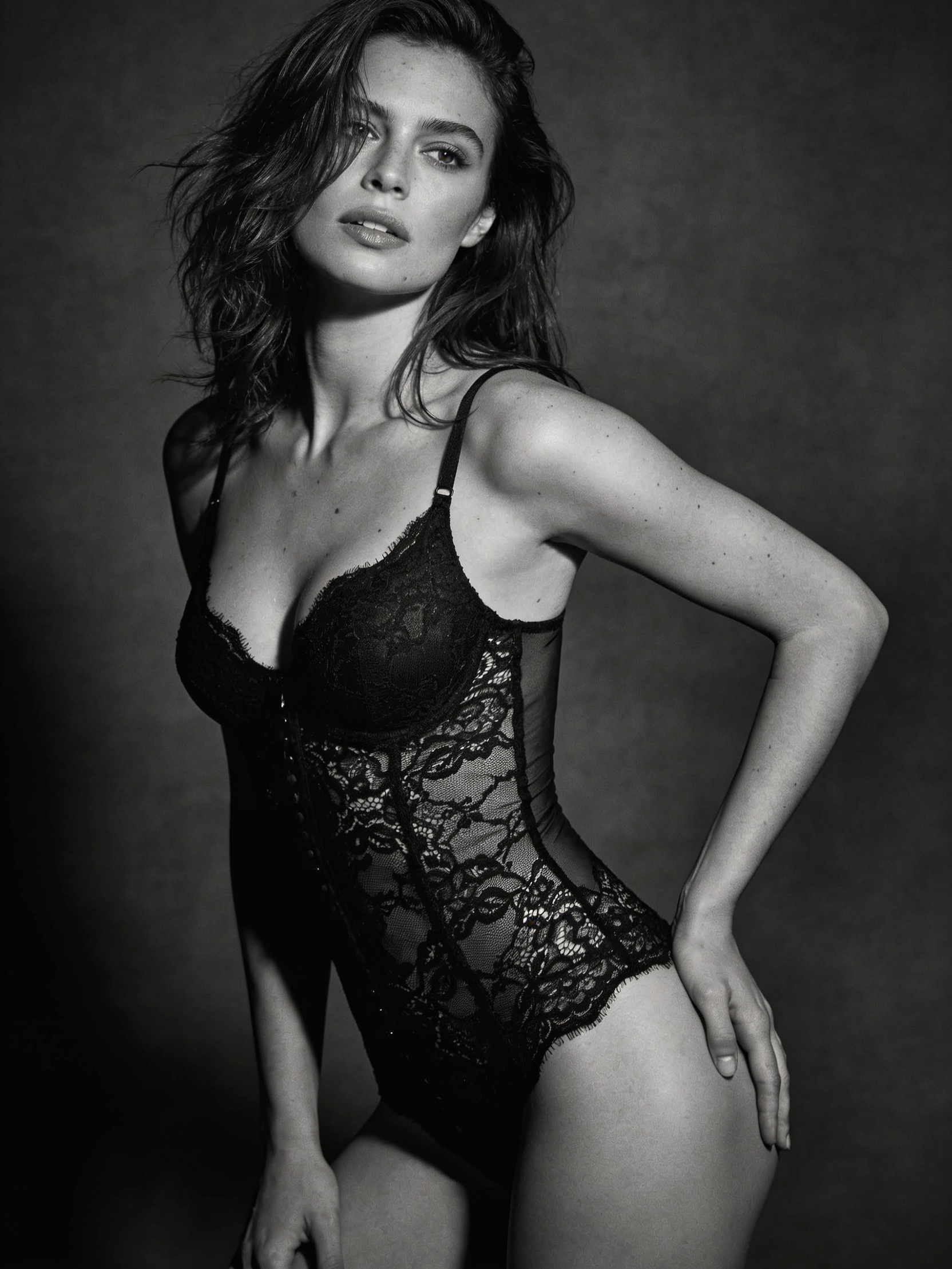
- Generate the anchor. One frame you would actually publish: subject, lighting, skin, framing. Spend your iterations here, because everything downstream inherits from it. Prompt vocabulary for single shots applies inside each call.
- Shot 2 — change the pose only. Pass the anchor in images, and write a prompt that names the new pose and nothing else: same woman, same room, same lighting, now seated on the edge of the bed, leaning forward.
- Shot 3 — change the angle. Anchor plus your best frame from shot 2, prompt three-quarter view from camera left, same lighting.
- Shot 4 — change the framing. Same references, prompt tight crop from the shoulders up.
- Keep the winners. After each call, decide which output joins the reference panel and which you discard.
Vary pose, angle and framing — one variable per call. Wardrobe is a different job with different failure modes; see consistent outfit changes for that case.
Why Ten Reference Slots Change the Method
A one-reference relay degrades: each generation copies the last, and small errors compound until shot six no longer resembles shot one. Ten slots let you carry a fixed panel instead — the anchor, a second angle, and a close crop that carries the skin and lighting — plus the most recent frame. Four or five references per call, with the anchor always present, stops the set from wandering away from its origin. Rebuild the panel only when you genuinely want the look to evolve.
What Drifts Anyway
Without a seed, be honest about what you get. Lighting direction, colour grade and overall body proportion hold well across a relayed set. Fine facial detail moves slightly shot to shot, and hands and jewellery move most. Backgrounds drift when the prompt stops mentioning them, so keep naming the room in every call. When a frame lands noticeably off, do not relay from it — go back to the anchor and re-shoot. For shots with more than one subject, multi-subject prompts cover the extra care needed.
What a Set Costs
This endpoint bills $0.045 per output image, with no discount badge on the page today. A twelve-shot set is $0.54; budgeting three attempts per shot puts a finished set near $1.60. If that is more than the job warrants, Seedream 4.5 Spicy versus 5.0 Pro Spicy compares the two versions on capability.
Create with Seedream 5.0 Pro Spicy now — available on Siray.ai with faster generation and lower per-image cost than the premium paid tools.
Create your free Siray account and relay one anchor three shots deep.
A Note on Compliance
Siray refuses all illegal content, and CSAM is refused with zero tolerance — no exception, no configuration, no context in which it is permitted. Everything in this article is for creating lawful adult content involving consenting adults. "Uncensored" on Siray means an endpoint applies no excess moderation within legal limits; it does not mean the absence of limits. Seedream is a third-party model available through Siray's API, not a Siray-hosted model.