
Wan 3.0 Spicy Prompt Guide: Uncensored 30-Second Video

Key Takeaways
- Wan 3.0 Spicy runs 2-30 second clips at 480p/720p/1080p, but has no
negative_promptorprompt_expansion_enablefield — control comes from positive description alone. - Motion and pacing should scale with
duration: a 6-second prompt and a 28-second prompt need a different number of action beats. audio_enableneeds sound described in the same prompt text — it does not infer audio from the visual description.
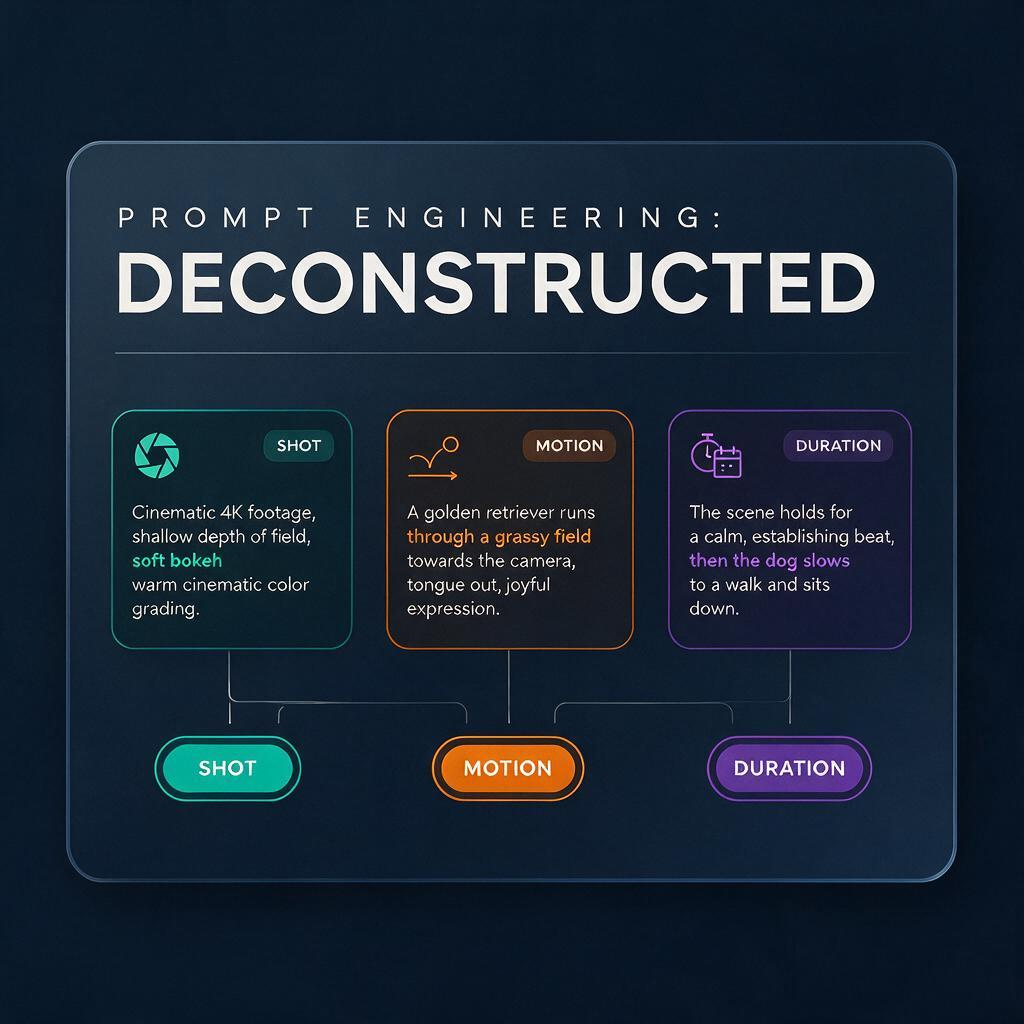
Breaking a Wan 3.0 Spicy prompt into shot, motion, and pacingDescribe the Shot Like a Cinematographer
A vague subject description ("a woman in a room") gives the model too much latitude on framing. Naming camera distance, angle, and lens behavior first produces more consistent output across regenerations than describing the subject alone.
- Distance: close-up, medium shot, wide shot
- Angle: eye-level, low angle, over-the-shoulder
- Lens behavior: slow push-in, static frame, handheld drift
Example fragment: "Medium shot, eye-level, static frame: a woman in a silk robe standing by a rain-streaked window, soft window light." That reads as a specific composition instruction, not a caption — and it applies the same way across t2v, i2v, and ref2v, since all three share the same prompt-to-frame pipeline.
Write Motion as a Timeline, Not One Verb
A single motion verb ("she turns around") reads as static once stretched across 20 or 30 seconds — the model has nothing to do with the remaining duration. Sequencing two or three motion beats produces continuous movement instead of a held pose with drift at the edges.
At 6 seconds: "She turns toward the window and looks out." At 24 seconds, the same idea needs beats: "She turns toward the window, walks closer over several seconds, rests a hand on the glass, then looks back over her shoulder." The prompt's motion count should scale with duration, not stay fixed while the number changes.
Pace the Prompt to the Duration You Set
duration accepts any integer from 2 to 30 seconds, and reusing a short prompt unchanged at the long end of that range is the most common way to waste the extra seconds. A prompt built for 6 seconds and rerun at 28 seconds tends to hold the same beat for the full clip.
- Short clips (2-8s): one clear action, minimal scene description.
- Mid clips (9-18s): a beginning and a change — one action leading into a second.
- Long clips (19-30s): a beginning, middle, and end beat, described in the order they should occur.
On i2v, the optional end_image parameter gives longer clips a second anchor: supply a start frame and an end frame, and the prompt only needs to describe what happens between them, which simplifies pacing at the high end of the range considerably.
Using audio_enable: What the Prompt Needs to Say
audio_enable is a boolean — there's no separate audio-prompt field. Turning it on without adding any audio description to the prompt produces inconsistent, generic ambient sound, because the model doesn't infer audio purely from the visual description; it needs the sound named in the same prompt text.
Without an audio clause: "Rain streaks the window as she looks out." With audio_enable: true, the same prompt should add a sound line: "Rain streaks the window as she looks out, soft rainfall audible against the glass, quiet ambient room tone underneath." Naming the specific sound source, not just "add audio," is what carries into the output.
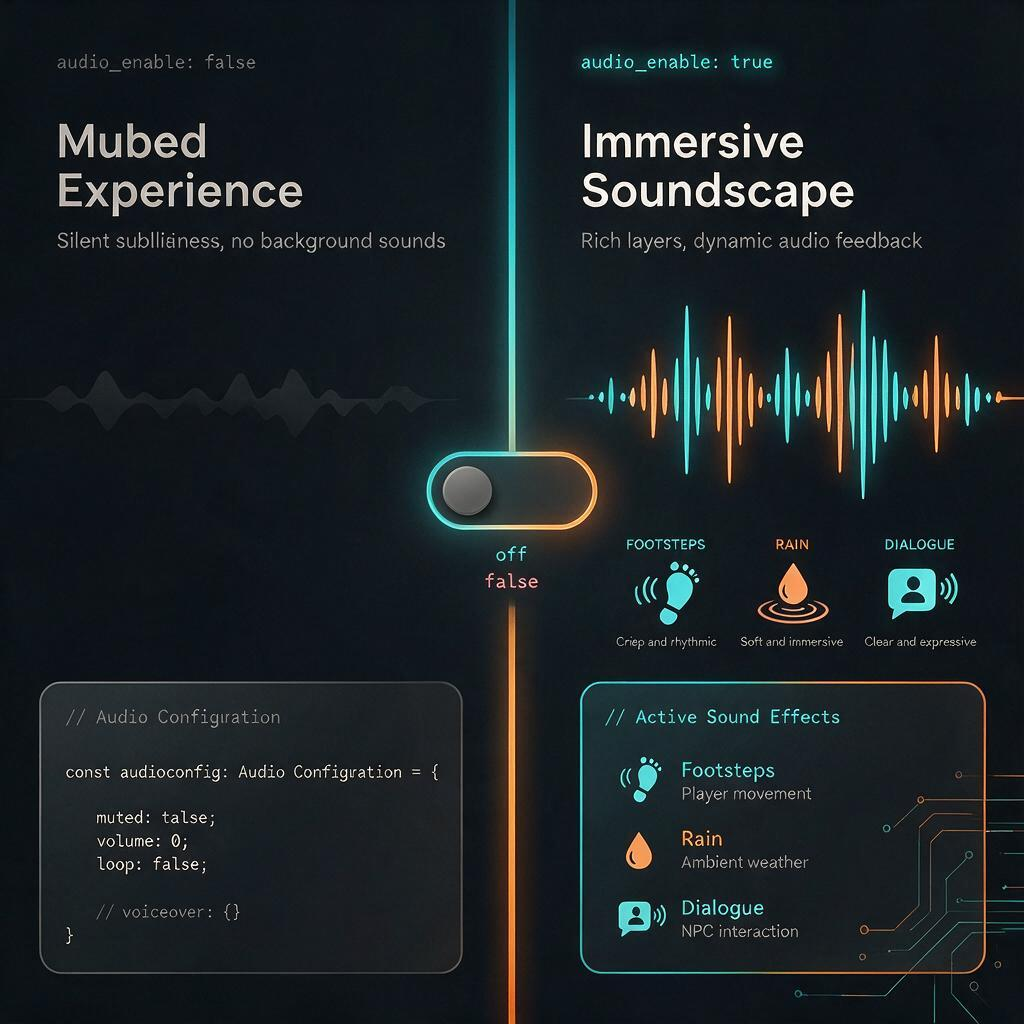
Describing sound explicitly is what audio_enable actually responds toControlling Wardrobe and Explicitness Without negative_prompt
This is the real adjustment from wan-2.7-i2v-spicy: no negative_prompt, no prompt_expansion_enable, so "not wearing X" or "without Y" has nothing to attach to. Every control has to be a positive, specific description of the state you want.
- Instead of "no clothing visible" → "nude, bare shoulders and torso visible in frame."
- Instead of "not censored or blurred" → "fully visible, unobstructed, sharp focus on skin detail."
- Instead of "avoid modest poses" → "reclining on the bed, one leg raised, direct eye contact with camera."
The pattern holds throughout: describe the exact garment, pose, and degree of visibility you want in the frame. Saying what should be there, in specific terms, replaces an exclusion list this model has no field for anyway.
FAQ
Does Wan 3.0 Spicy support negative prompts? No. None of the three variants — t2v, i2v, ref2v — expose a negative_prompt or prompt_expansion_enable field. Use precise positive description in the main prompt instead.
Is Wan 3.0 Spicy the only model that generates 30-second clips? No. Seedance 2.5 Spicy also supports durations up to 30 seconds. The difference is resolution: Seedance 2.5 Spicy caps at 720p, while Wan 3.0 Spicy reaches 1080p at the same duration ceiling.
Does using audio_enable change the price? No. Pricing is per second by resolution — 480p at $0.065/s, 720p at $0.13/s, 1080p at $0.26/s — the same rate whether or not audio_enable is set. A 30-second clip costs more only because of the added duration, not the audio toggle.
Start Writing Wan 3.0 Spicy Prompts
Shot framing, motion sequencing, duration-matched pacing, explicit audio description, and positive-language wardrobe control cover the parameter surface Wan 3.0 Spicy exposes — no negative_prompt field to lean on, so specificity does the work instead.
Create your free Siray account and start generating with Wan 3.0 Spicy across all three endpoints.
Siray is committed to the responsible use of AI. All content generated through this platform must comply with applicable law. Siray maintains zero tolerance for CSAM (Child Sexual Abuse Material) and any illegal content. Uncensored generation capability is intended solely for legal adult (18+) content creation.