
AI Video Ads for E-commerce with MiniMax H3: A Product Launch Playbook


Key Takeaways
- A product launch needs one hero video that looks and sounds right immediately — there's no time for a separate audio post-production pass.
- MiniMax H3's omni-reference locks exact product appearance from up to 9 reference images, while generating native stereo audio in the same call.
- MiniMax H3 clips run 5-15 seconds natively (extendable to ~30s), which fits a launch teaser or hero cut — not a long-form product documentary.
Introduction
A product launch lives or dies on one video: the hero cut that goes out the moment the product is live. There's no runway for a slow production cycle — the video has to look right, sound right, and match the actual product on the first pass. MiniMax H3, live on Siray since July 31, 2026, is built for exactly that kind of turnaround.
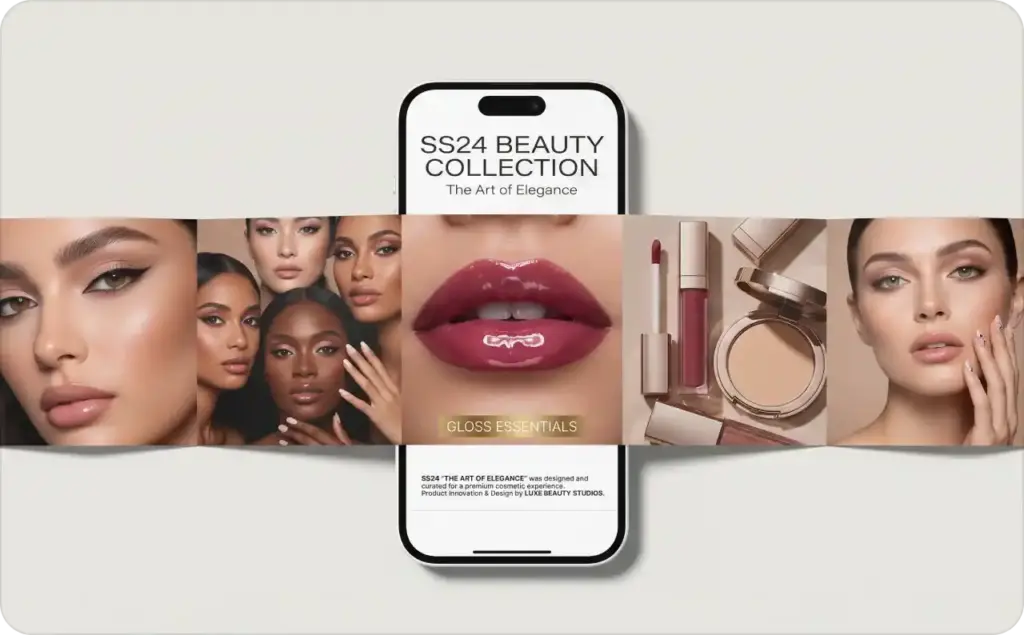
Why MiniMax H3 Fits a Launch Timeline
Two features do the heavy lifting here. Omni-reference takes up to 9 reference images (plus optional reference video or audio) in a single generation call and locks the product's exact appearance across the whole clip — no drifting color, shape, or label between shots. And because MiniMax H3 generates native stereo audio alongside the video, a launch team doesn't need a separate audio pass to add a soundtrack cue or ambient sound; it comes out of the same generation.
Instruction-guided edits round it out: if the pacing or framing needs a tweak after the first pass, the team can describe the change in plain language instead of rebuilding the prompt from scratch.
Building the Launch Video, Step by Step
Start with the product photos already on hand — the same shots used for the listing page work fine as reference material. Feed up to 9 of them into MiniMax H3's omni-reference so the model has a locked, multi-angle understanding of exactly what the product looks like before it generates a single frame.
Next, describe the launch narrative: what happens in the clip, how the camera moves, what mood it's going for. Because the product identity is already locked via reference, this step is about motion and story, not re-describing what the product looks like.
Let native audio generation handle the soundtrack or a voiceover cue in the same pass — this is the step that would otherwise be a separate post-production round trip with most other video models.
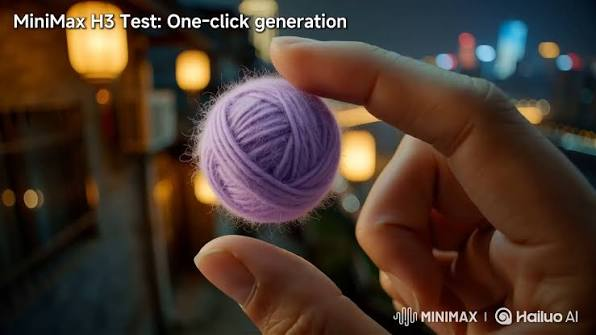
If the first cut isn't quite right, use instruction-guided edits — describe the specific change (tighter framing, slower pacing, a different camera move) rather than regenerating from a blank prompt.
What This Isn't
MiniMax H3's native clip length is 5-15 seconds, extendable to roughly 30 seconds with its Extend tool — that's a launch teaser or hero cut, not a long-form product documentary. And this playbook is built around one polished launch video, not a high-volume ad-variant testing pipeline; for that broader batch-testing workflow across multiple models, see AI Product Video Ads: Turn Product Photos into Scroll-Stopping Video. For the full rundown of what MiniMax H3 can do beyond e-commerce, see MiniMax H3 (Hailuo 3.0): Siray's New Open-Source Video Model, Explained.
Developer Notes
MiniMax H3 is available through the same Siray API key used for every other model on the platform — teams already integrated with Siray for other models (see One API for Multiple AI Models) don't need a separate setup. The siray-comfyui node covers local ComfyUI workflows for teams that prefer to build the launch video pipeline there.
Summary
A product launch needs one video that's right the first time. MiniMax H3's omni-reference locks the product's exact look from existing photos, native audio removes a whole post-production step, and instruction-guided edits handle the inevitable last-minute tweak — all in clips sized for a launch teaser, not a feature-length reel.
Get Started
Register a Siray account and build your next product launch video with MiniMax H3: https://console.siray.ai/model-api