
FLUX Kontext Pro Woodcut Posters: Shape Before Texture

A convincing woodcut-style poster starts with large shapes, not a layer of scratches over a photograph. With FLUX Kontext Pro, first ask for a simplified arrangement of dark masses and open paper, then introduce directional cut marks. Preserve the subject's recognizable outline rather than every photographic detail. This is a proposed image-editing method, not a tested claim of print-ready output or authentic hand-carved production.
Key Takeaways
- Choose a source whose main shape remains recognizable at thumbnail size.
- Reduce light and dark areas before adding texture.
- Make cut marks follow the subject's form rather than covering everything equally.
- Siray's FLUX Kontext Pro editing endpoint accepts one image, not multiple references, and exposes no mask or strength slider.
Which Photograph Makes a Useful Starting Point?
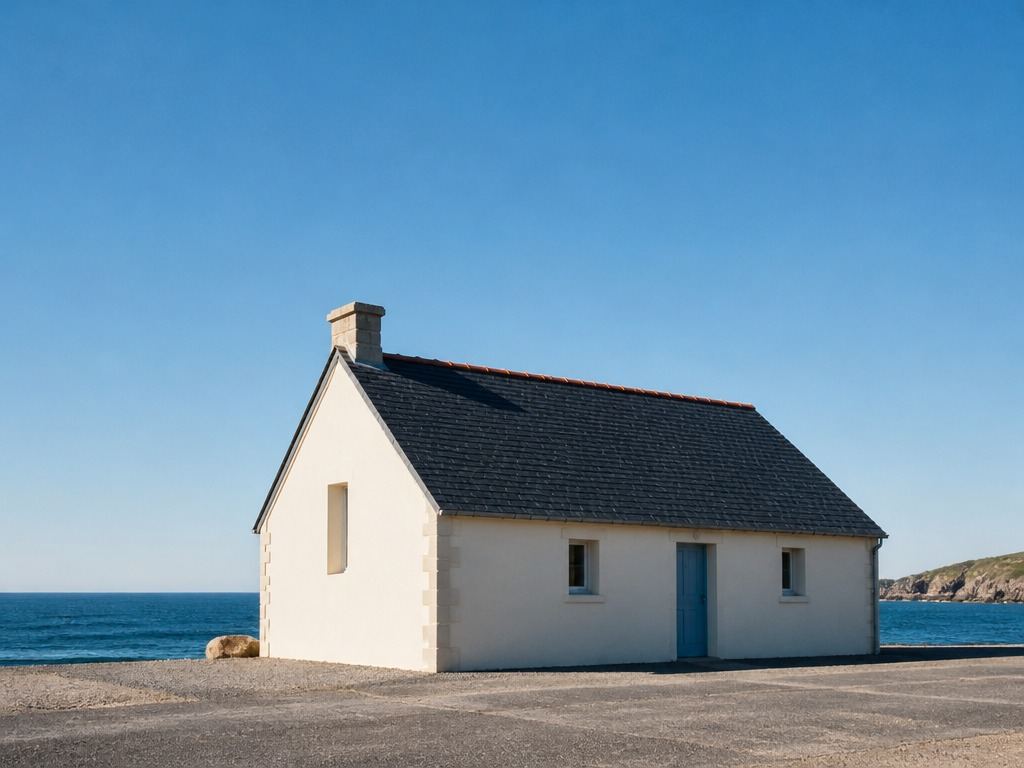
Choose one strong subject with a readable boundary. A building against open sky, a single tree or a portrait with uncluttered clothing gives the restyling request a clear structure. A crowded street with overlapping signs asks the model to decide what matters before it can translate the visual style.
Reduce the source to a small preview. Can the roofline, face profile or branch shape still be identified? If not, crop the photograph or select another source. Keep the original file unchanged so the final result can be checked against it.
Separate the Masses Before the Marks
Ask for broad dark areas and clean light openings before describing surface texture. A useful first instruction is: “Simplify the building into bold dark roof and wall shapes, separated by open paper areas.” Avoid demanding every window reflection and brick at this stage.
The important decision is what remains legible after detail disappears. Preserve the roof angle and doorway position; let small surface variations collapse. The Kontext editing guide introduces restyling and preservation clauses, while this workflow applies them to a specific poster treatment.
Make the Cuts Follow the Form
Give the marks a direction and a purpose. Short parallel cuts can describe a shaded wall; longer curved marks can suggest foliage. Leave some areas relatively quiet so the texture does not compete with the outline.
Mini-example: “Use sparse directional white cuts within the dark wall, with broader unmarked sky.” This is an art-direction request. It does not create separable ink plates or a real carving plan, and the result should not be advertised as handmade merely because it resembles a traditional print.
Combine the Instructions in One Edit
Use the source photograph as the input and keep the request centered on structure:
Restyle this photograph as a bold woodcut-style digital poster.
Retain the building's sloping roofline, main doorway and positionwithin the frame. Simplify the image into strong dark masses andopen paper shapes. Add sparse directional cut marks that followthe wall and roof forms. Quiet sky, limited visual detail,no added lettering, no decorative border.
Prompt Guide
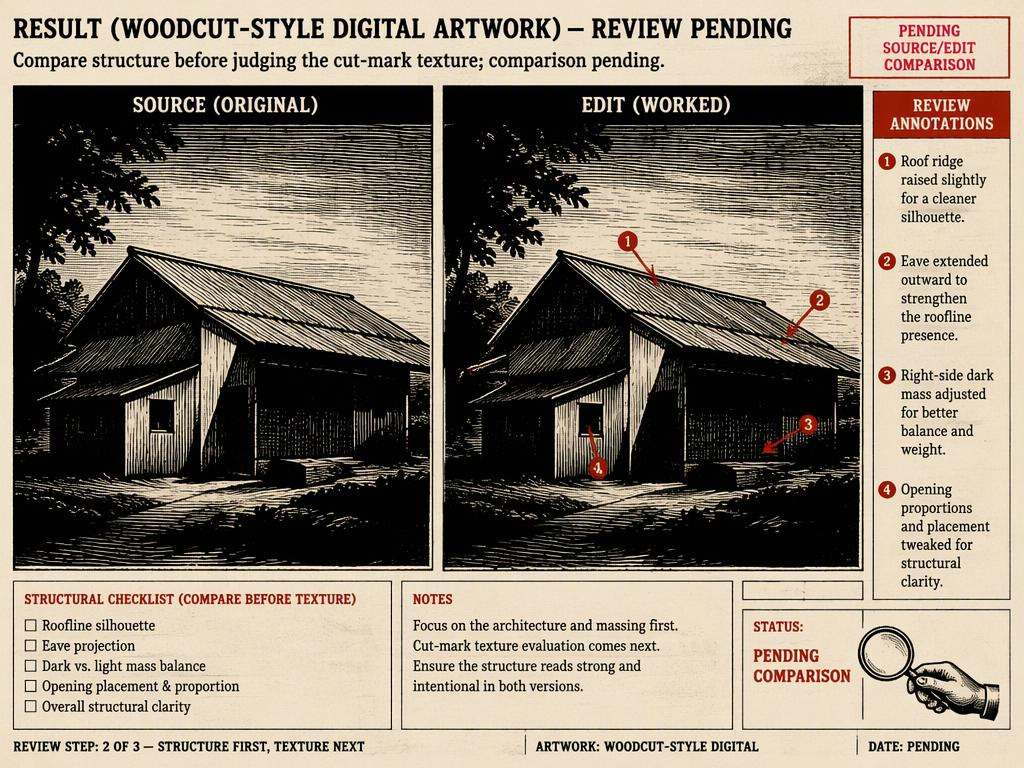
Compare the result with the source before asking for more texture. If the roof becomes a different shape, strengthen that specific preservation instruction rather than adding unrelated style adjectives. Avoid promising that a stronger sentence will always fix the error; another generation may change other parts of the image.
Use the Actual Kontext Controls
As checked on October 10, 2026, Siray's black-forest-labs/flux-kontext-i2i-pro specification requires model, prompt, image and aspect_ratio. The input image is a single string. Choose match_input_image if the source framing is the intended target; this is a supported value, not an omission of the required field.
The only optional request field is seed. There is no mask, strength, negative_prompt or output-format control in this endpoint. Record the seed for comparison, without treating it as a guarantee of unchanged pixels. The Pro versus Max guide covers that separate choice; this tutorial makes no quality or price comparison.
Quick Questions
How should the poster be checked?
Inspect it at thumbnail size for the main shape, then at the intended output size for merged edges and distracting marks. Add any title in a design editor rather than relying on generated lettering.
Is the result ready for physical printing?
Not automatically. Check actual pixel dimensions, trim, bleed and the printer's color requirements separately. A woodcut appearance does not guarantee vector artwork, separate plates or a print-ready file.
Source: Siray, FLUX Kontext i2i Pro OpenAPI specification, retrieved October 10, 2026. Interface verified; proposed visual treatment untested.
Create your free Siray account and translate one clear photographic shape before adding decorative texture.