
Niji 7 vs Midjourney V8: Choosing Anime Character Art

For anime character art, start with the production brief rather than a version number. Niji 7 is the anime-focused candidate; Midjourney V8 belongs in the comparison when the brief also calls for a painterly promotional image. That is a proposed test order, not a finding that either model renders better. No side-by-side outputs underpin this guide.
Key TakeawaysJudge the character silhouette before lighting or background detail.Test one readable standing pose before requesting a character sheet.Treat costume consistency and stylistic appeal as separate acceptance checks.Do not transfer Niji 7 parameters to V8 without checking its own controls.
Define the Character Before the Style
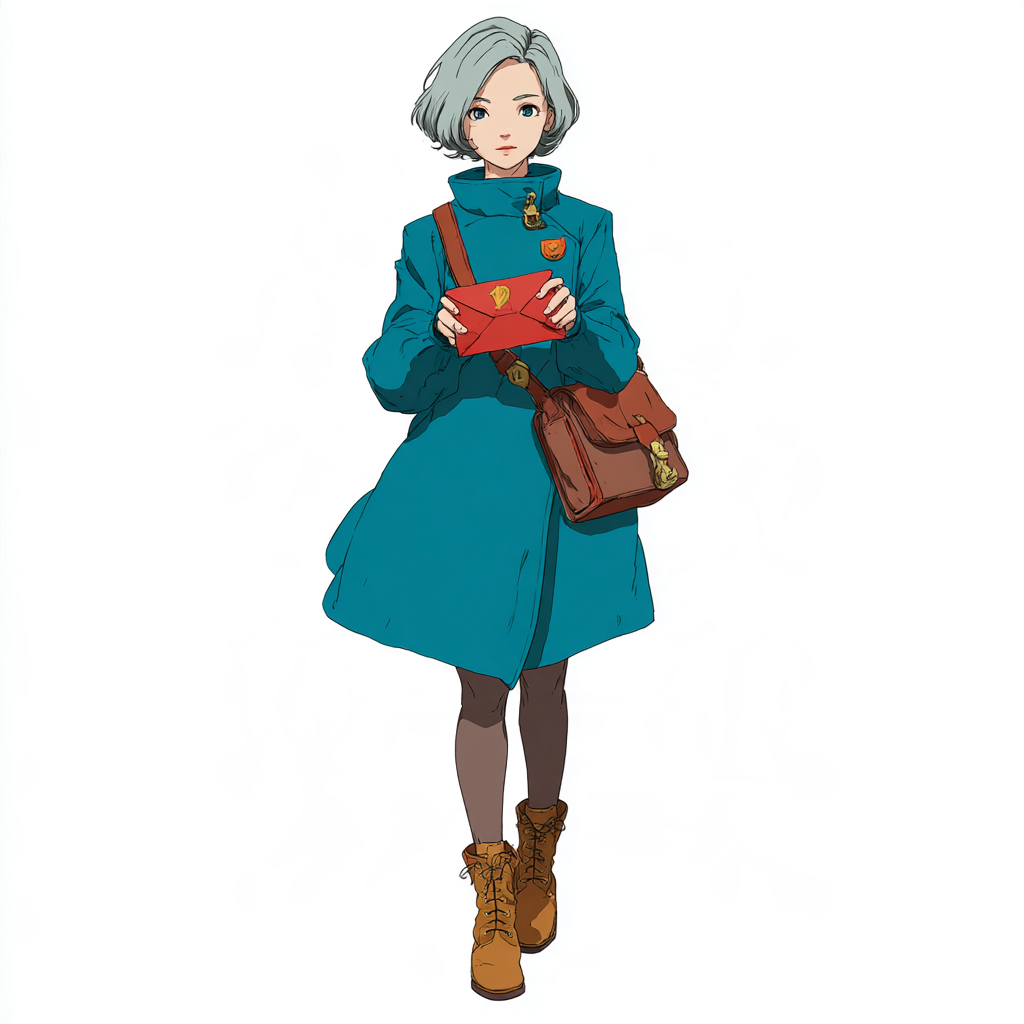
A usable brief names features that must survive revision: an asymmetrical coat, a single shoulder clasp, a recognisable hair shape, and one prop. “Beautiful anime warrior” leaves all of those decisions open. If the next generation changes the clasp or moves the prop to the other hand, a more polished image may still be less useful.
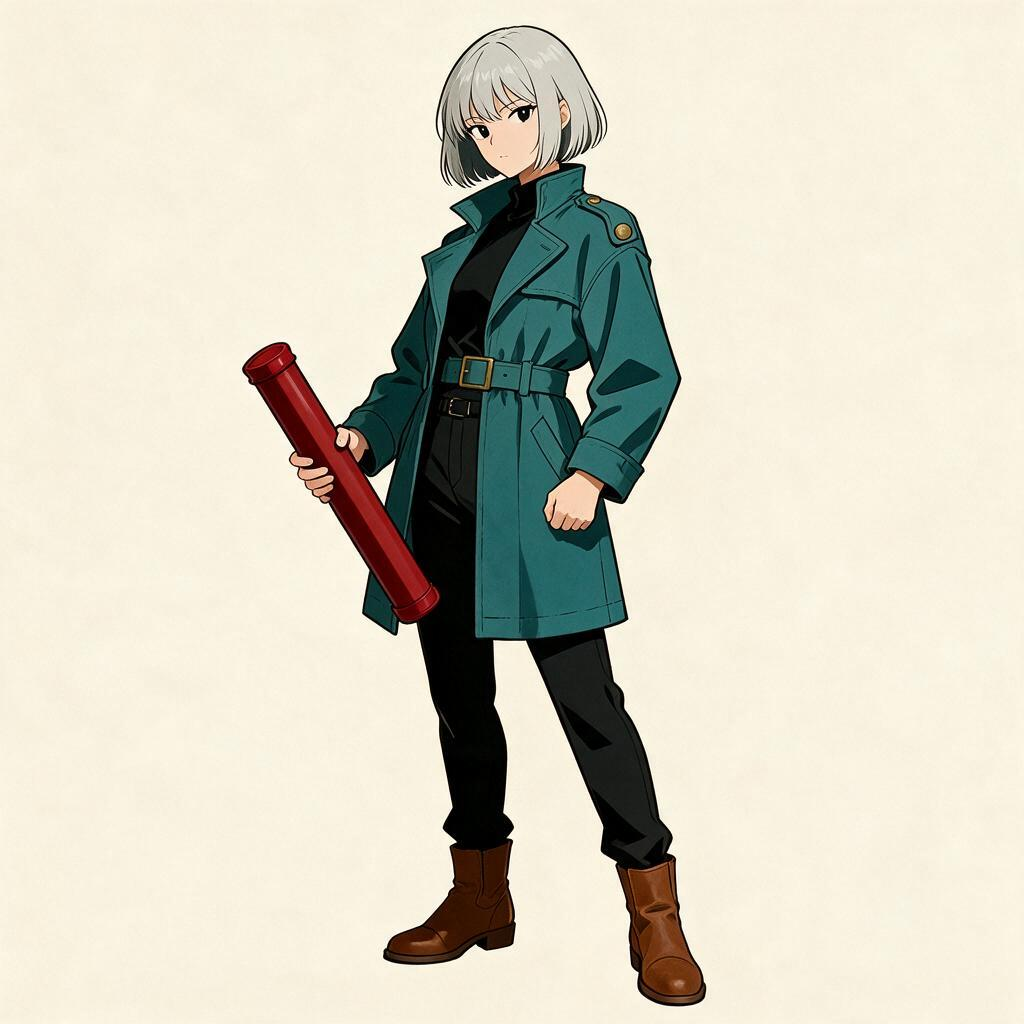
For this exercise, use an original adult courier rather than an existing franchise character. Specify a full-body, three-quarter standing pose, separated feet, visible hands, and a plain background. These are art-direction choices, not promises about either model's anatomy accuracy.
Run the Same Brief, Not the Same Settings
The first pass should use identical descriptive wording and the same requested framing wherever supported. Record the model version and exposed controls separately. Matching a numeric seed across different models does not create matched randomness; matching a setting name does not prove equivalent behaviour.
The Siray Niji 7 specification documents required model, prompt, and aspect_ratio fields. It also lists style_reference and style_weight, but those are style controls, not a documented character-identity lock. This specification is not evidence for V8's request format. V8-specific controls and comparative quality remain outside this article's verified claims.
Separate Three Acceptance Checks
Check | Inspect | Reject when |
|---|---|---|
Silhouette | Coat outline, prop separation, stance | The character becomes unreadable at thumbnail size |
Costume | Clasp position, sleeve length, boot shapes | Required details move or change between candidates |
Delivery | Hands, feet, empty margins | Repairs would change the approved pose or composition |
Review silhouette at a small display size, then inspect the full image. A dramatic background should not compensate for a missing hand. Keep the rejected candidates too: a contact sheet of every attempt is more informative than a selected favourite from each model. This is a review procedure, not an established model ranking.
Which Candidate Should Be Tried First?
For a flat-colour character illustration, Niji 7 is the starting hypothesis because the brief matches its anime focus. For a painterly campaign image, include V8 in the first test rather than assuming an anime-oriented model must win. The acceptance table, not model numbering, decides whether either candidate fits.
Approve the single pose before asking for variations. A generated multi-view sheet can contain conflicting costume details; it is not automatically a production-ready turnaround. For a related reference-planning task, see the cosplay prop reference-sheet guide.
Can One Good Image Settle the Choice?
No. One image can establish that a candidate is usable for that brief, not that the model is generally more consistent. Try another pose while retaining the same defining details. If the design changes, revise the brief or use a separate editing workflow rather than calling the change a new character style.
Create your free Siray account and keep the approved character brief beside the generation record. Preserve model labels when comparing the outputs.