
Cosplay Prop Reference Sheets With Qwen Image 3 t2i

A single hero shot of a prop is not much help to the person who has to build it. Makers need the back, the side, how the handle joins the body, and roughly how big the thing is against a hand. That is a reference sheet, not a concept illustration, and alibaba/qwen-image-3-t2i can produce one cheaply — provided the workflow accounts for what the endpoint does and does not do.
Key Takeaways
- n returns variants, not views. Setting n=6 gives six different takes on one prompt, not a front-side-back-detail set.
- The working sequence is: explore with n=6, note the seed of the keeper, then render each view in its own call with that seed fixed.
- Set prompt_expansion_enable to false before the view passes, or the rewrite will drift the design between calls.
- At $0.030 per output image, six variants plus four views is $0.30.
What the Endpoint Gives You
Four fields are required: model, prompt, aspect_ratio, and size. aspect_ratio covers 15 values and size accepts 1k or 2k. n runs 1 to 6, seed runs -1 through 2147483647, and prompt_expansion_enable defaults to true.
There is no images field and no ref2i variant, so there is no way to hand the model a previous render and ask for another angle. Consistency across views has to come from a fixed seed plus disciplined prompt wording. There is also no negative_prompt, so anything to be avoided has to be described in the positive.
Step 1: Explore With n=6
One call, n=6, a deliberately open prompt. This is the cheap part and the point is breadth, not accuracy.ornate ceremonial staff prop, carved dark wood shaft, brass fittings, crystal set in the head, plain white background, full object in frame, product reference lighting
Six variants come back at $0.18. Pick one.
Step 2: Lock the Seed
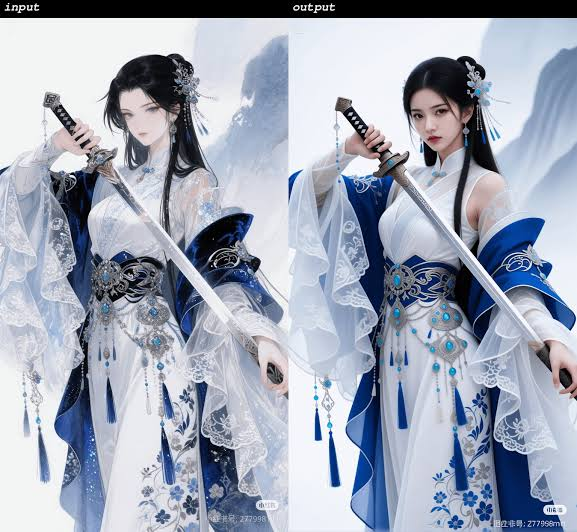
Read the seed off the variant that was chosen and reuse it for everything that follows. This is the only consistency mechanism available on a t2i endpoint, and it is the step people skip.
Turn prompt_expansion_enable off at the same time. Left on, the model rewrites each view prompt independently, and small rewrites across four calls are how a prop ends up with a different number of brass bands on the back than the front.
Step 3: One Call Per View
Four calls, same seed, same object description, with only the view clause changing. Keep the object wording byte-identical between calls and change nothing but the view.
- Front — ...front view, object facing the camera squarely, full length in frame
- Side — ...side profile view, object perpendicular to the camera, full length in frame
- Back — ...rear view, reverse side of the object facing the camera, full length in frame
- Detail — ...close crop on the head of the staff, crystal mount and brass fitting filling the frame
Use a tall aspect_ratio such as 3:4 or 9:16 for the full-length views and 1:1 for the detail crop. Add a scale cue to one — held in a hand for scale — because a maker cannot size a prop floating on white.
Where This Stops Being Reliable
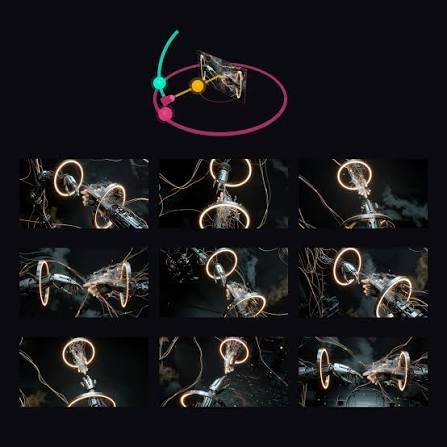
This is not a 3D turntable. A fixed seed on a text-to-image model biases the output toward the same design; it does not enforce geometric consistency. Expect the four views to agree well enough to work from, plus small contradictions — a strap on one side and not the other, a differing count of decorative elements. Treat the sheet as a design brief, not an engineering drawing.
Two practical consequences. Build the real fabrication decisions from the front and detail views, which tend to agree most closely. And if a specific element has to be identical across views, describe it explicitly in every call rather than trusting the seed to carry it.
The n field in a genuine batch workflow is worked through in batch social ad variants, and background on the family is in Qwen Image 3.0 explained. For character and panel work on the same endpoint, see Qwen Image 3 manga panels. This is a different job from throwaway stand-in art, which is covered in placeholder art for game prototypes — a reference sheet is meant to be built from, not swapped out later.
Cost
$0.030 per output image. Six exploratory variants plus four view renders is ten images, $0.30 for a complete sheet. Re-running the view pass after a design tweak is another $0.12.
Create your free Siray account and start building prop reference sheets with Qwen Image 3 through one API key.