
Batch NSFW Content Creation with Hunyuan Image 3 + LTX 2.3

Key Takeaways
- Batching on-model stills with Multi-Image Fusion, then animating only the best two or three, turns a full week of content into one sitting instead of a one-off generation.
- Hunyuan Image 3 Instruct's Multi-Image Fusion isn't identity-locked — plan to over-generate and cull, not expect every result to be usable.
- LTX 2.3 on Siray is t2v + i2v only, 6-20 seconds, 720p/1080p, 24/30fps — no 4K, no native audio, no Extend or Retake, so plan clip length inside that window.
Introduction
For a creator posting NSFW content daily or weekly, the real bottleneck usually isn't generating one great image — it's generating a week's worth of on-model content without redoing the persona setup from scratch every time. A single hero shot is easy. A believable batch of ten, where the face and body stay recognizably the same across different poses and scenes, and where a few of those turn into short video clips, is a different problem. Chaining Hunyuan Image 3 Instruct's Multi-Image Fusion into LTX 2.3's image-to-video pipeline solves exactly that.
Step 1 — Batch the Stills with Multi-Image Fusion
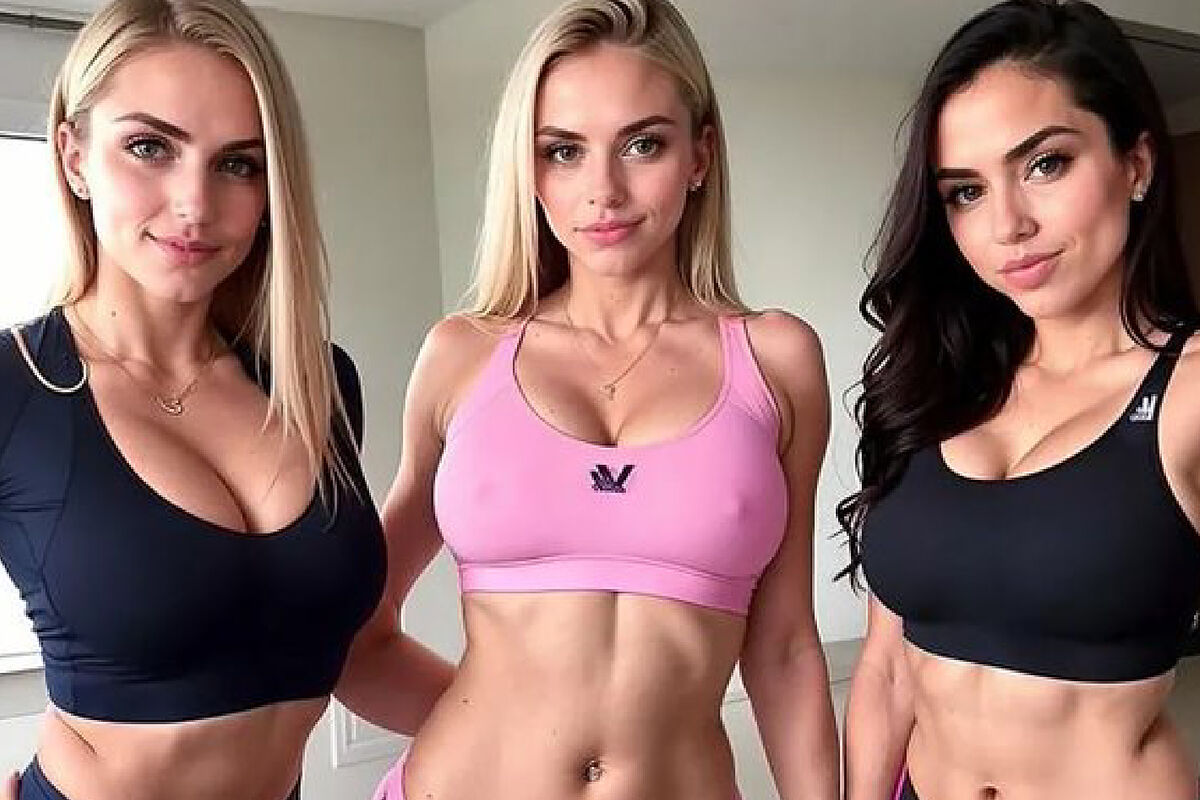
Start with one fixed persona reference — a face image, plus a body/scene reference and optionally a style reference — and reuse that same set across every generation in the batch. Vary only the pose, scene, and wardrobe in the prompt text itself, not the reference images. Multi-Image Fusion combines up to three reference images in face, body/scene, and style roles, and it works by blending elements across those references rather than locking an identity the way a dedicated face-swap tool would. Keep the explicit "don't blend the face" instruction in every prompt — it's the single highest-leverage line for keeping the face recognizable while everything else in the shot changes.
Because Multi-Image Fusion isn't identity-locked, don't expect every generation in a batch to be usable: plan to generate more than you need — a batch of ten to get four or five keepers is a realistic ratio — and inspect each result against the reference before moving on, rather than assuming consistency by default. For the full mechanics of role assignment and the "don't blend the face" pattern, see Hunyuan Image 3 Instruct NSFW Multi-Image Fusion.
Step 2 — Cull, Then Animate the Winners with LTX 2.3
Don't animate the whole batch. Once the stills are generated, pick the two or three with the cleanest, most consistent face and feed only those into LTX 2.3's image-to-video pipeline — animating a weak still just produces a weak clip faster. On Siray, LTX 2.3 supports t2v and i2v only, at 720p or 1080p, 24 or 30fps, in clips of 6 to 20 seconds. There's no native 4K, no native audio or audio-to-video, and no Extend or Retake tool on this endpoint — those exist only in the self-hosted open-source LTX weights, not on Siray's hosted version. Plan the clip length and any cuts inside that 6-to-20-second window rather than scripting for a longer continuous take, and add audio or extend a clip afterward with a separate tool if the platform you're posting to needs it.
For the full i2v prompt structure — the PRESERVE-plus-MOTION pattern that keeps the still's identity intact while describing only the new movement — see LTX 2.3 NSFW Image-to-Video and the LTX 2.3 NSFW Prompt Guide.
What This Doesn't Solve
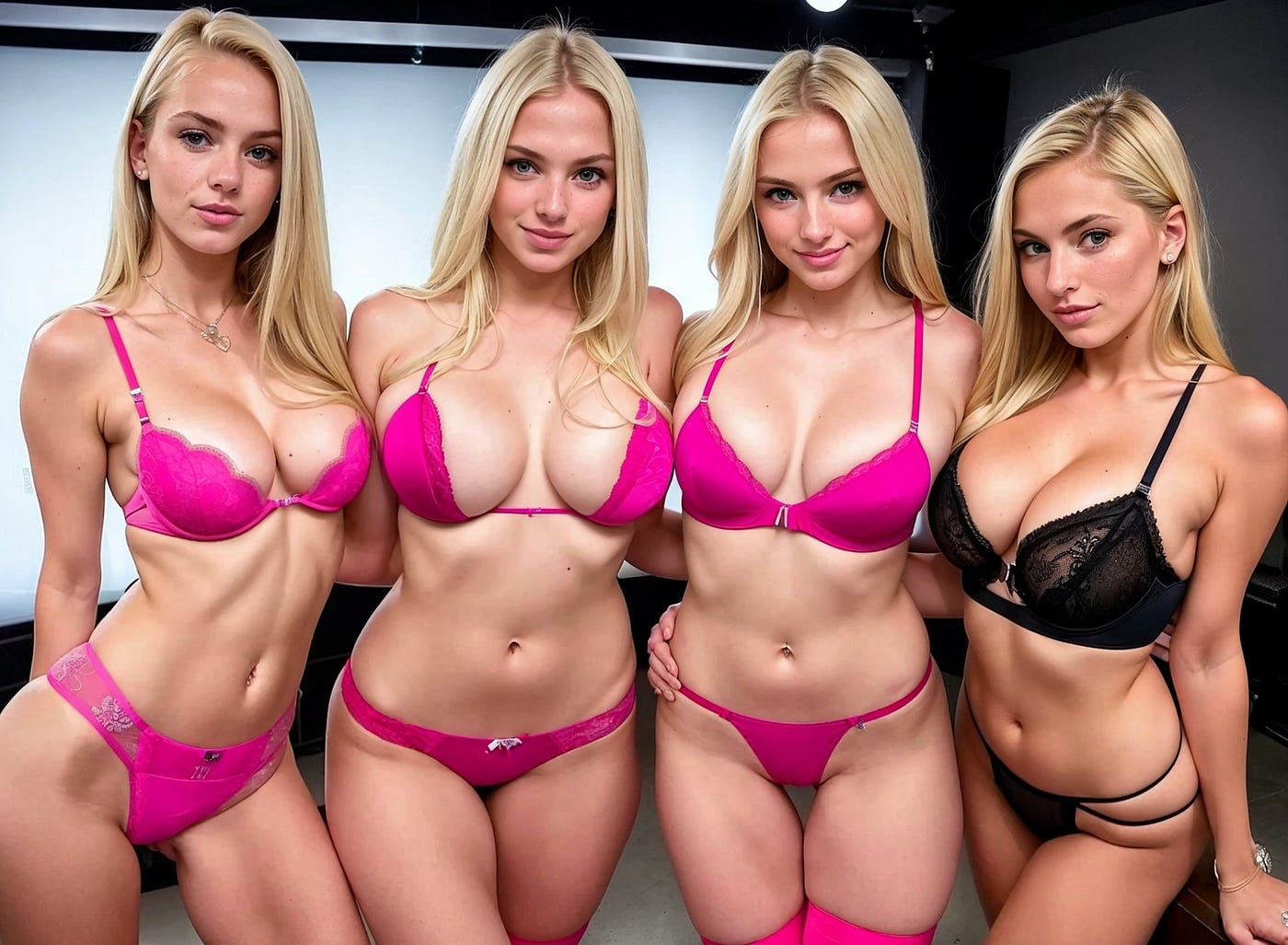
This is still a manual, two-tool pipeline: generate in Hunyuan Image 3 Instruct, inspect and cull by hand, then feed the winners into LTX 2.3. There's no auto-scheduling, no posting integration, and no single-click "batch" button that skips the culling step. What this workflow compresses is the generation side of a content calendar — turning a week's worth of on-model assets into one focused session — not the whole content operation around it.
Developer Notes
Both models run through the same Siray API key, so chaining them in a script is two sequential API calls, not two separate accounts or integrations — generate the stills, pick the winners programmatically or by hand, then pass the winning image URLs straight into the LTX 2.3 i2v call.
Summary
A batch content workflow starts with reusing one fixed persona reference across a full round of Hunyuan Image 3 Instruct generations, varying only pose/scene/wardrobe in the prompt. Cull hard, then animate only the strongest two or three stills with LTX 2.3, planning for its 6-to-20-second, 720p/1080p ceiling on Siray. It's still manual work, but it turns a week of content into one sitting.
Get Started
Register a Siray account and start batching your next round of content with Hunyuan Image 3 Instruct and LTX 2.3: https://console.siray.ai/model-api