
Qwen Image 3 Edit vs Flux Kontext Pro for Product Photos

Key Takeaways
- Both alibaba/qwen-image-3-edit and black-forest-labs/flux-kontext-i2i-pro are editing endpoints: you upload an existing product photo and change something around it, not generate a product from scratch.
- The schemas diverge on reference images: Qwen Image 3 Edit takes an images array of 1-3 photos; Flux Kontext Pro takes one image field only.
- Neither endpoint has a mask, negative_prompt, or safety_tolerance field — both are whole-image, prompt-guided edits, not region-locked retouching.
For a single-model deep dive, see Qwen Image 3 Edit for Fashion Catalogs and the Qwen Image 3 Edit API prompt guide; for launch background, Qwen Image 3, Explained and the Flux 1.1 Pro overview. This piece covers only the request schema — what each model requires, controls, and omits — grounded in the live Input Schema and pricing block for both endpoints on Siray, not rendered-output quality.
What Each Model Actually Requires
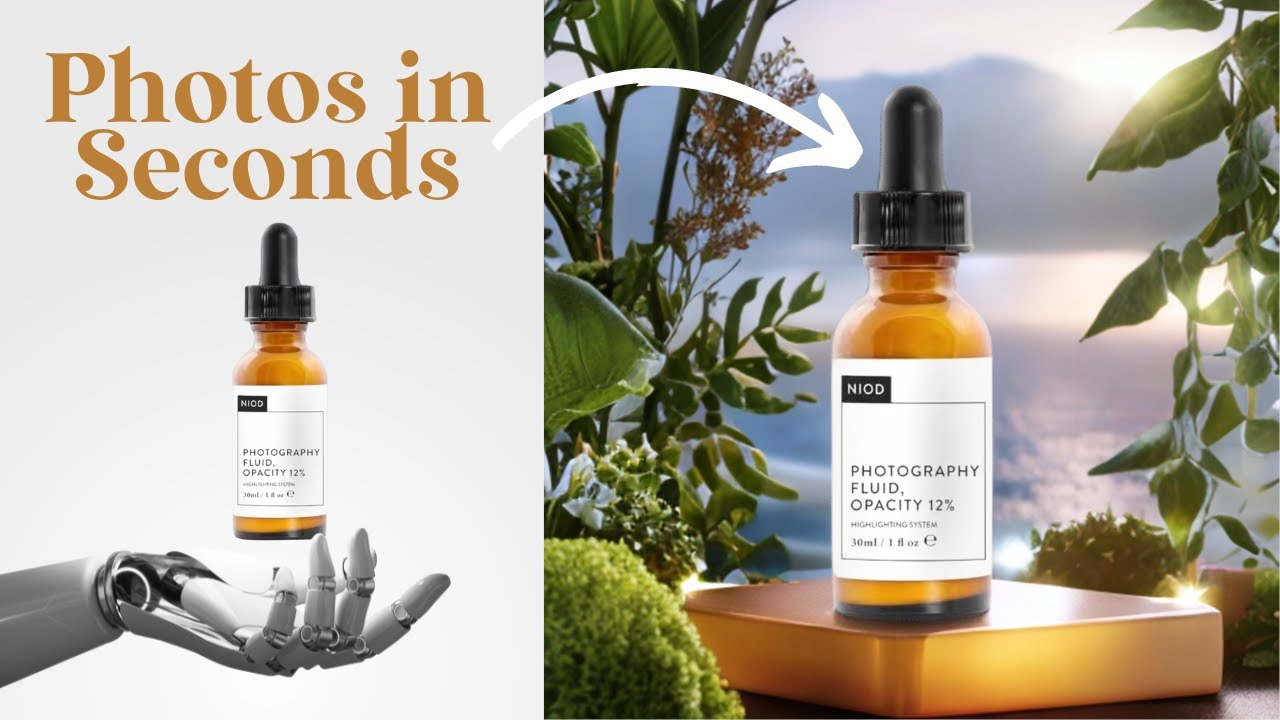
alibaba/qwen-image-3-edit requires model, prompt, images (array, 1-3 photos), size, and aspect_ratio; n (1-6, batch) and seed are optional. black-forest-labs/flux-kontext-i2i-pro requires only model, prompt, and a single image; match_input_image and seed are optional. Qwen asks for more up front — an explicit size and ratio every call — while Flux Kontext Pro leans on one optional field instead.
Reference Images: One Photo vs Up to Three
Qwen Image 3 Edit's images array is the more useful field for detail preservation: alongside the main photo, attach a second image — an isolated shot of a logo or texture — as an extra reference. Flux Kontext Pro's image field takes exactly one photo. For fine detail worth anchoring (an embossed logo, a specific weave), Qwen's schema has a slot for a clean reference; Flux Kontext Pro doesn't.
Aspect Ratio: Required Guess vs match_input_image
Qwen makes aspect_ratio required on every call, with no auto-match — get it wrong and the model may reframe or crop the product. Flux Kontext Pro instead offers match_input_image, locking output to the input photo's own ratio — safer than hardcoding aspect_ratio yourself.
What Neither Model Gives You
Neither endpoint has a mask or region field: both edit the whole image via the prompt text, not a locked-in area. Neither has negative_prompt or safety_tolerance. In practice, that means directing the edit entirely through wording — "keep the logo and shape unchanged, only change the background" — with no schema-level lock to fall back on.
Qwen Image 3 Edit vs Flux Kontext Pro
Qwen Image 3 Edit | Flux Kontext Pro | |
Model ID | alibaba/qwen-image-3-edit | black-forest-labs/flux-kontext-i2i-pro |
Reference images | Array, 1-3 | Single image field |
size | Required | Not present |
aspect_ratio | Required | Not present (match_input_image instead) |
Batch (n) | 1-6, optional | Not present |
Mask / region edit | Not present | Not present |
negative_prompt | Not present | Not present |
Price per image | $0.030, no active discount | $0.032 (20% off $0.040) |
Pricing: Check the Discount Before You Budget
Qwen Image 3 Edit is a flat $0.030 per image with no active promotion. Flux Kontext Pro's $0.032 is itself a discounted rate — 20% off a $0.040 list price — and Siray's discounts are time-limited, so confirm the current rate before budgeting a large batch run.
Which One to Pick
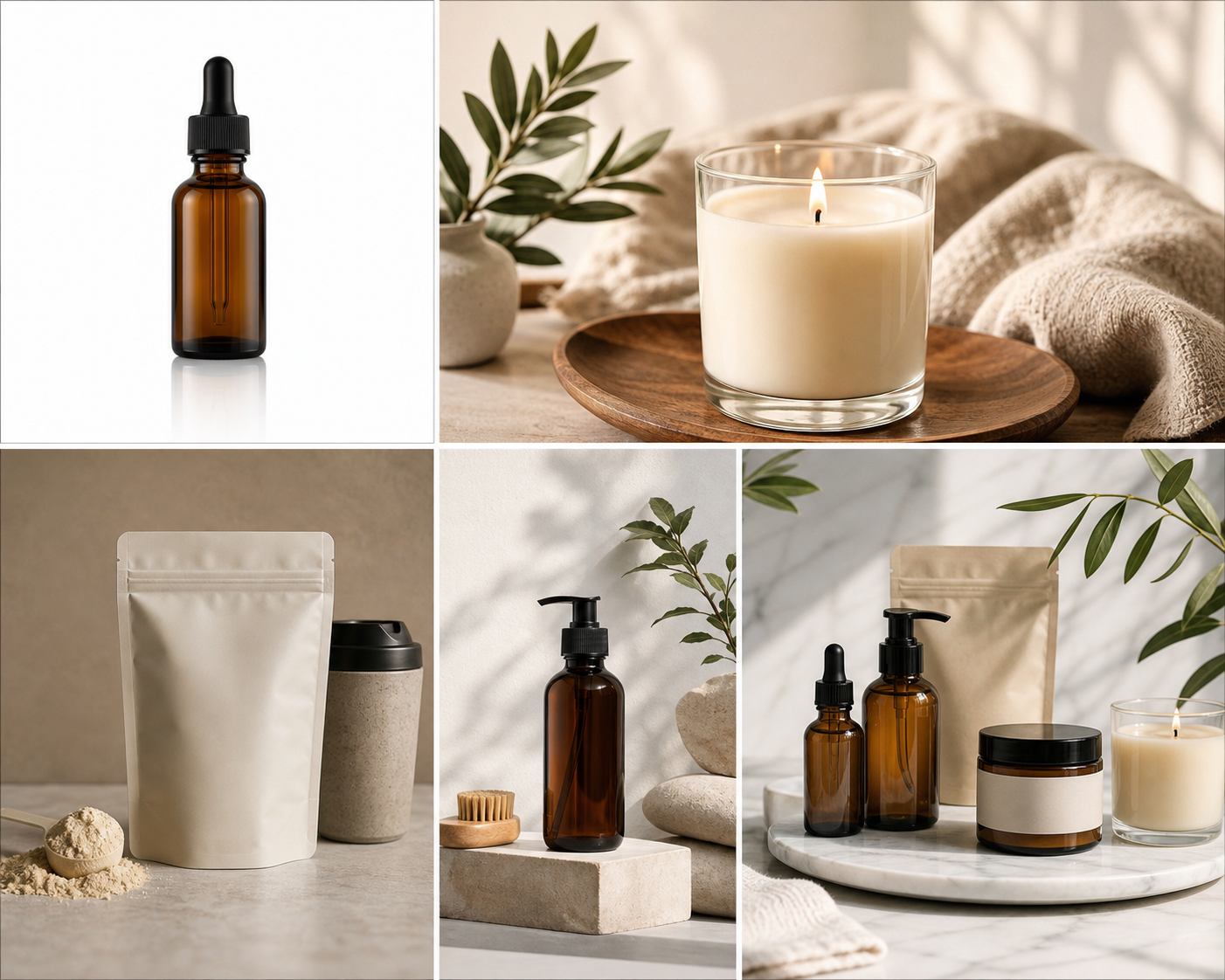
Pick Qwen Image 3 Edit when the product has a detail worth anchoring with a second reference image, or you want several variants from one call via n. Pick Flux Kontext Pro when the input photo is already framed correctly and match_input_image beats computing aspect_ratio yourself. Neither gives you a mask, so put "keep [feature] unchanged" directly in the prompt either way. Both share one Siray API key and the same async task pattern, so testing both on one product photo is a model-ID swap, not a second integration.
FAQ
Does either model support mask or region-based editing?
No. Both alibaba/qwen-image-3-edit and black-forest-labs/flux-kontext-i2i-pro edit the whole image based on the prompt text; neither has a mask or region parameter in its request schema.
Can I attach more than one reference photo?
Only with Qwen Image 3 Edit, whose images field accepts an array of 1 to 3 photos. Flux Kontext Pro's image field takes a single photo.
How do I stop the output from being cropped to the wrong ratio?
With Qwen Image 3 Edit, set aspect_ratio to match your source photo yourself. With Flux Kontext Pro, set match_input_image to true and skip that calculation.
Create your free Siray account and try both editing models on the same product photo.