
Z-Image Spicy Pro Boudoir: Satin, Lace and Sheer Fabric

A satin robe and a lace robe should not look like the same garment with different patterns painted on it. For adult boudoir fashion concepts with Z-Image Spicy Pro, describe the fabric's surface, construction, and response to light separately. “Luxury fabric” leaves those decisions open. This guide proposes material-specific prompts; it does not report a completed comparison or claim physically accurate cloth simulation.
Key TakeawaysSatin needs a description of sheen and folds, not just a colour.Lace needs a visible pattern and a distinction between trim and garment panels.Sheer layers can be shown over an opaque garment without exposing the body.Compare fabric readability, not which candidate has the more attractive face.
Describe Three Different Material Behaviours
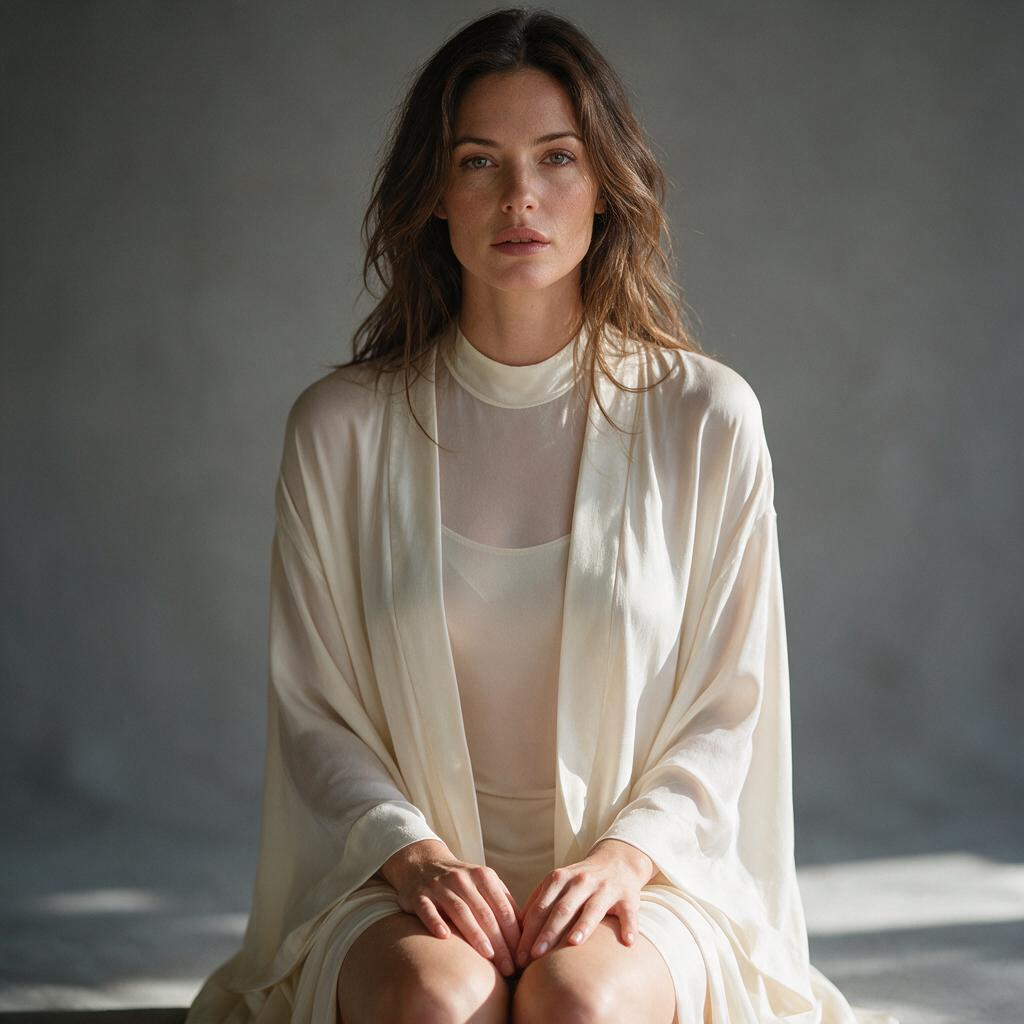
For satin, request broad highlights following soft folds and darker areas between them. Avoid relying on “shiny”: it can describe polished plastic as easily as cloth. Name the garment too. A draped robe gives folds somewhere to form; a flat patch of colour does not establish how the material hangs.
For lace, specify where the openwork belongs. “Lace trim along the cuffs” asks for a different construction from an all-over floral lace layer. Add an opaque lining when the goal is to study the pattern without changing clothing coverage. Check that the pattern follows the garment rather than appearing as marks on the skin.
For sheer fabric, use a light chiffon outer layer over an opaque slip. Describe the visible inner garment and the outer layer's soft edge. Transparency then has something concrete to reveal without turning the brief into an instruction to remove clothing.
Match the Light to the Question
Material | Suggested light | Inspect in the result |
|---|---|---|
Satin | Broad soft side light | Highlights follow folds rather than forming a uniform gloss |
Lace | Gentle directional light | Pattern remains legible along seams and cuffs |
Chiffon over a slip | Soft side or rim light | Outer and inner garments remain distinct |
These are photography-inspired starting points, not model presets. A darker background can help separate a pale fabric edge, but the whole image still needs review. Stronger contrast may also exaggerate skin texture or lose detail in the garment's shadows.
Change the Material Clause First
Keep the adult subject description, seated pose, camera distance, garment colour, and background wording unchanged. Replace only the material clause for the first exploration. If lighting changes at the same time, it becomes harder to tell why the fabric looks different. Adjust the lighting in a second pass if needed.
The Siray Z-Image Spicy Pro specification requires model, prompt, and size. It offers seed and a prompt-expansion switch, but no image input or fabric parameter. A repeated seed records a setting; it does not lock the same person or garment across changed prompts. Use a separate editing workflow when an approved face must remain unchanged.
Reject the Wrong Kind of Detail
A candidate fails this brief if lace becomes a tattoo-like skin pattern, satin becomes rigid plastic, or the sheer layer disappears into the slip. Also inspect cuffs, hems, and the points where fabric meets a hand. A detailed face does not rescue an unreadable garment.
The general Pro prompt guide covers the wider request setup. Here, record the material clause beside each output and retain unsuccessful candidates. Without those records, a selected image says little about whether the wording was useful.
Create your free Siray account and compare material descriptions before building a full boudoir fashion set.
A Note on Compliance
Use legal, consensual adult material involving verified adults aged 18 or older. These examples depict fictional adults in non-explicit fashion portraits. Siray refuses CSAM and all other illegal content with zero tolerance. Z-Image Spicy Pro is a third-party model accessed through Siray's API, not self-hosted by Siray.