
Adult AI Storytelling & Roleplay Video: A Creator's Workflow


A single stunning image does not make a roleplay series — the character has to survive ten scenes and three outfit changes without turning into someone else. Adult AI storytelling is less about one great generation and more about a repeatable pipeline: lock a character, control wardrobe, turn stills into motion, and stitch it into one story. Here is that pipeline.
TL;DR:
- Five steps: character sheet, wardrobe/scene stills, still-to-motion animation, narrative sequencing, disciplined regeneration.
- Consistency comes from a locked description block and multi-reference tools, not a toggle.
- Siray's LTX 2.3 animates a still into a 6–20s clip at 720p/1080p, 24/30 fps — no retake or extend, so regenerate the whole clip instead.
- One Siray API key covers every model in this pipeline.
The Five-Step Workflow
- Character sheet — lock the persona's face, build, and details in one reusable block.
- Wardrobe and scene stills — reuse that block, change only wardrobe and setting.
- Still-to-motion — animate the strongest stills into short clips.
- Narrative sequencing — order shots so camera and lighting read as one scene.
- Disciplined regeneration — fix a shot by regenerating it whole, not patching it.
Building a Character That Doesn't Break Character
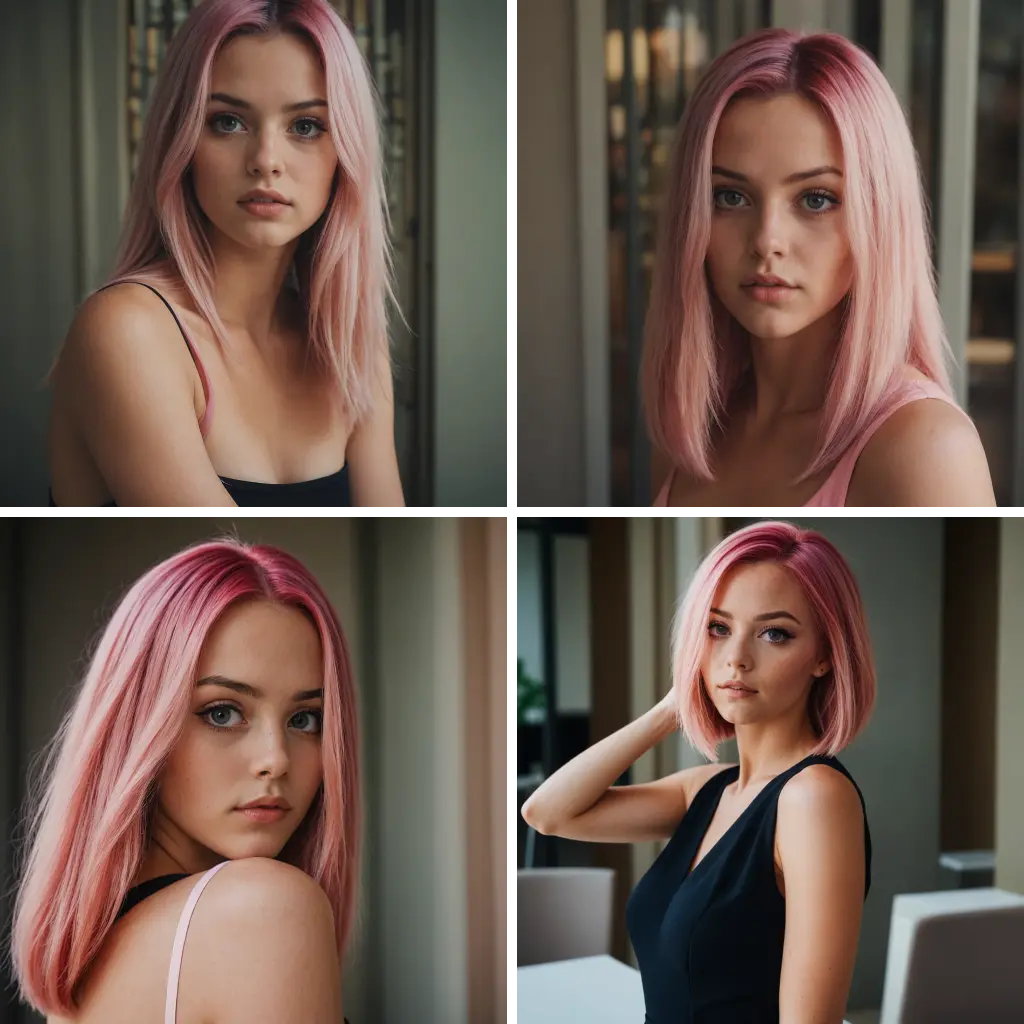
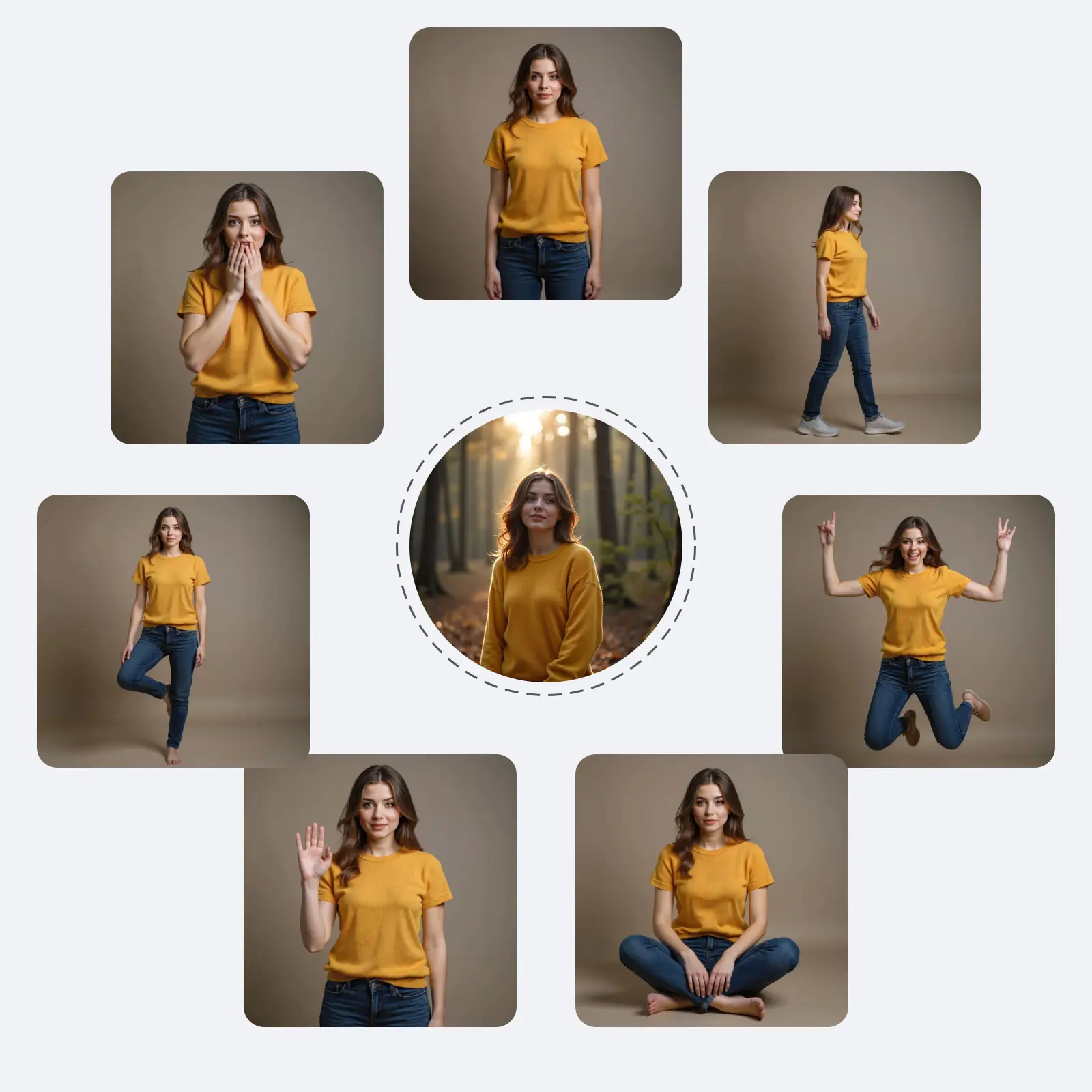
Character sheet and consistency. Write one fixed block — face shape, build, hair, skin tone, marks — and paste it unchanged into every prompt; concrete geometry beats vague praise, and "preserve vs. change" phrasing (see Z-Image NSFW character consistency) stops the model reinventing details between shots. For several angles locked at once, Seedream X Spicy's multi-reference (ref2i) mode holds identity tighter than prompting from scratch.
Wardrobe and explicitness. Once the face is locked, wardrobe drives pacing — a scene can move from clothed to suggestive to explicit across a sequence. Name the garment, name what moves, and state the pace ("robe open at the shoulder, gathering at the waist") instead of leaving it to the model's default; see the Seedream X Spicy face swap and outfit edit playbook for more patterns.
Callout: Keep the locked character block and the wardrobe/scene text in separate parts of the prompt. Mixing them back together is the fastest way to lose the face.
From Still to Motion
On Siray's hosted endpoint, LTX 2.3 supports text-to-video and image-to-video only, at 720p or 1080p, 24 or 30 fps, in clips of roughly 6–20 seconds — enough for one beat, not a full scene in one take. There is no native audio, no 4K, and no extend or retake (self-hosting the open weights supports more; see the LTX 2.3 NSFW prompt guide).
[LOCKED CHARACTER BLOCK] Adult woman, 26, oval face, straight darkbrows, warm tan skin, shoulder-length auburn hair.[MOTION BEAT] Standing at a rain-streaked window, silk robe looseningat the belt over 2–4 seconds, slow turn toward camera.[PRESERVE] Keep face, hair, and robe color identical to the referencestill; only the opening and the turn should move.
Keeping the Story Straight Across Shots
A series reads as one scene only when lighting, camera angle, and small details (jewelry, a room) carry across shots. Request continuity explicitly — "same window, same light, same necklace" — since the model never remembers a prior generation. If a clip is close but one detail is wrong, regenerate the whole thing with a tightened prompt rather than patching it; see the LTX prompt guide for reroll-and-rebuild strategies, since Siray's hosted endpoint has no retake or extend step.
Key Takeaways
- Lock the character before touching wardrobe or scene.
- Use ref2i when a shot needs identity held across several angles at once.
- LTX 2.3 on Siray animates stills into 6–20s clips at 720p/1080p, 24/30 fps — no audio, no extend, no retake.
- Fix a bad clip by regenerating it whole, not patching a section.
Where Creators Use This
- Serialized roleplay series — one character across many chapters.
- OnlyFans-style content — the same character-first structure; see the OnlyFans-style AI content workflow.
- Virtual influencer storylines — a persona recognizable for months; see building consistent virtual influencer characters.
FAQ
Can a character stay consistent across a whole series? Yes — reuse one locked description block on every still, plus ref2i for several angles at once. See Z-Image NSFW character consistency.
Does LTX 2.3 on Siray support extending or retaking a clip? No — text-to-video and image-to-video at 720p/1080p, 24/30 fps, ~6–20s, with no extend or retake. Regenerate the whole clip instead.
Is adult AI roleplay content legal to create? Yes, within the law. Siray permits lawful adult (18+) fictional content only and rejects all illegal content, with zero tolerance for CSAM.
Build Your Roleplay Pipeline on Siray
Z-Image, Seedream X Spicy, and LTX 2.3 all sit behind one Siray API key — moving from a still-image call to an animation call is a one-line change, not a new vendor to integrate mid-project.
Create your free Siray account and build a character that survives the whole story.
NSFW compliance: Siray permits lawful adult (18+) content only. Every character described here is fictional and AI-generated, never a real individual without consent and never a minor. Siray rejects all illegal content and has zero tolerance for CSAM. "Uncensored" means no filtering beyond what the law requires — it never means over-censorship, and it never permits anything illegal.